For Pinterest users
Organise your Pinterest inspiration
Save from Pinterest and everywhere else, then turn a wall of images into organised products you can act on.
Free forever plan · No credit card required
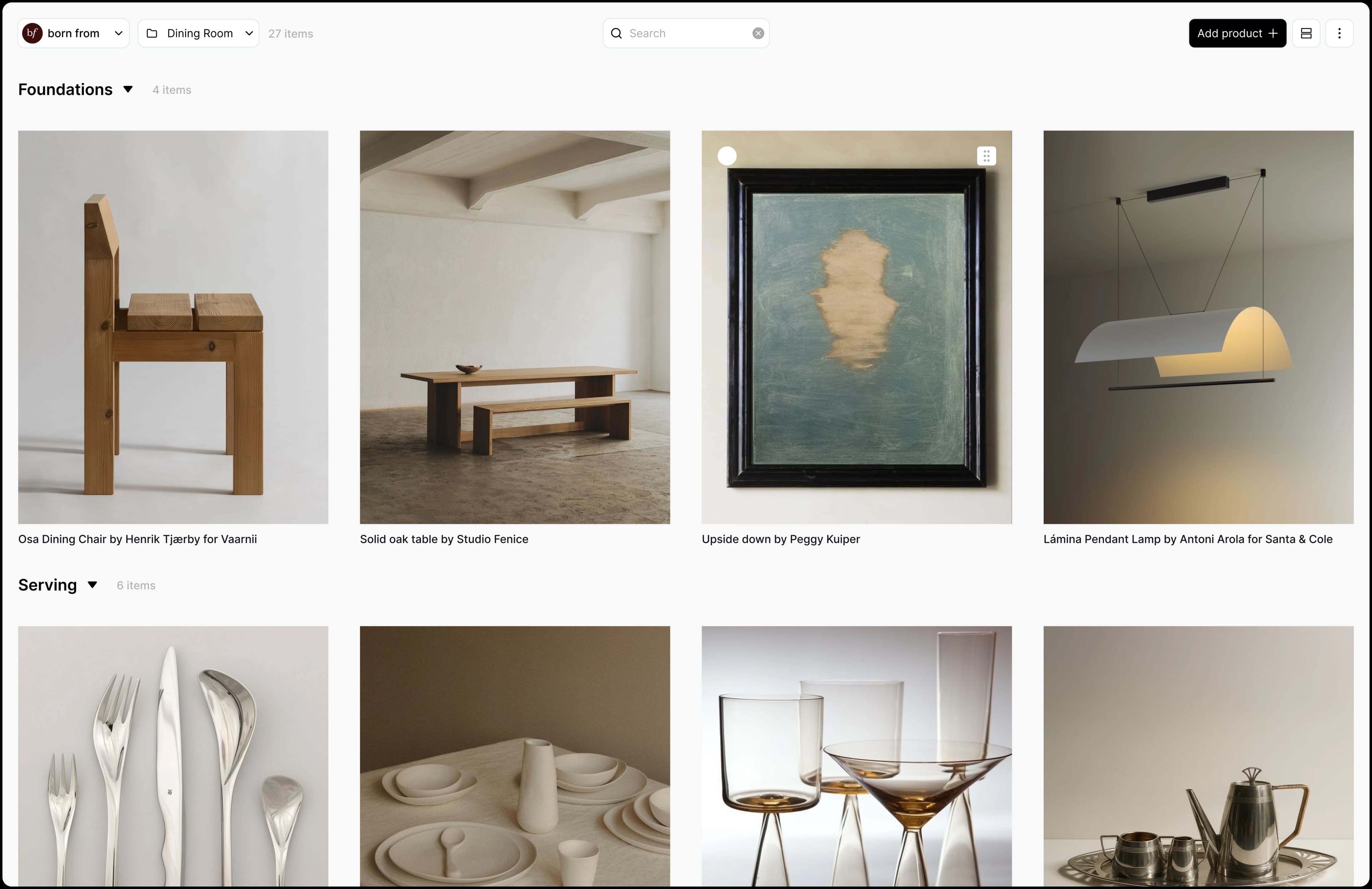
Everything in one place
Bring saves from Pinterest, Cosmos and supplier sites into a single library, so all your inspiration lives together.
Details on every image
Each save keeps its price, source, and any field you add, so an image you liked becomes a product you can specify.
Ready to share with clients
Turn your collected inspiration into boards and tables you can present, and make decisions together.
How it works
- 1Install the Aalto Chrome extension.
- 2On Pinterest or Cosmos, hover over an image and click the Aalto icon to save it, or import every image on the board at once.
- 3Saved images land in Aalto as inspiration, with no source link needed.
- 4When an image turns into a real piece, mark it as a product and add its price, source and details.
- 5Organise inspiration and products together by room, then share the board with your client.
Frequently asked questions
Does Aalto replace Pinterest?
No. Pinterest is great for discovery. Aalto is where you keep what you decide to use, with a price and a source on each product.
Can I import a whole Pinterest board?
Yes. The extension can import all the images on a Pinterest or Cosmos board at once, up to the product limit of your plan.
What happens to an image that isn't a product?
It stays as an inspiration image. You can keep it on a board or canvas next to products, and turn it into a product later if you find the real piece.
Does it work with Cosmos too?
Yes. The same hover icon and import-all work on Cosmos.
Give your inspiration a home
Bring your Pinterest saves into Aalto and organise them into real product decisions.