The reference and product workspace for creative studios
Pull references from Pinterest and Cosmos, save products from shops in one click, and keep a project's moodboard and sourcing list on the same board.
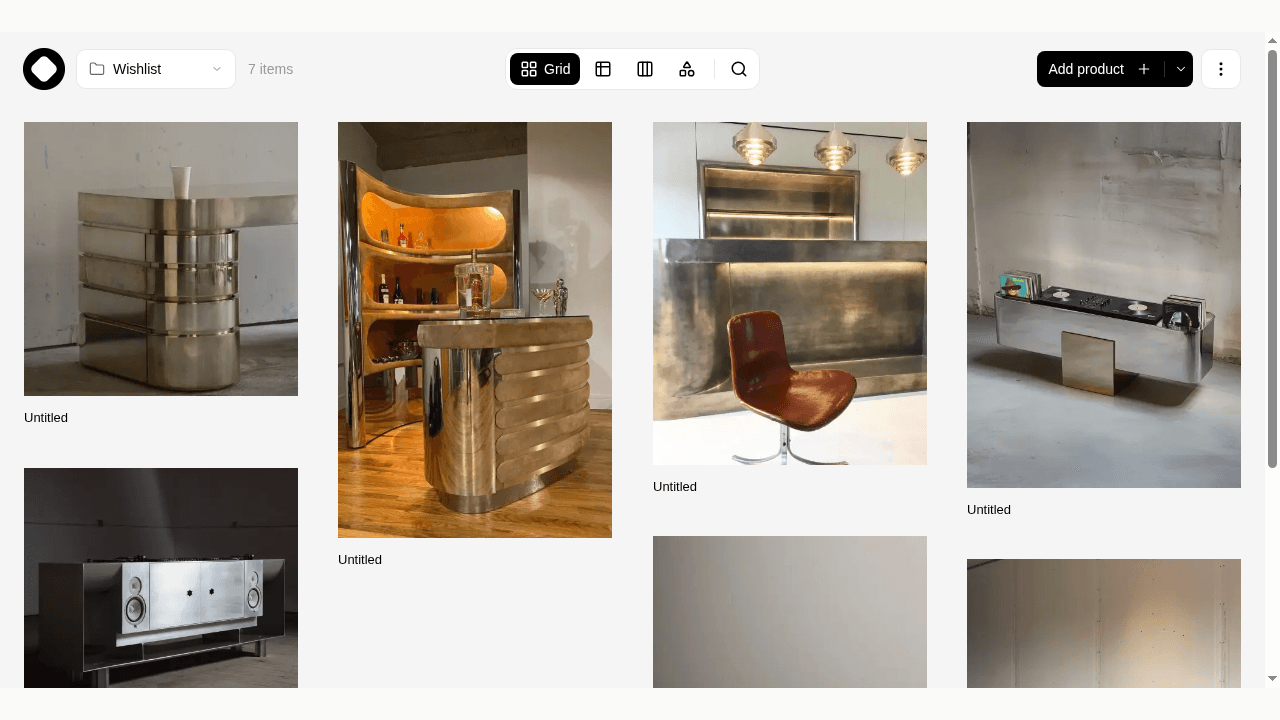
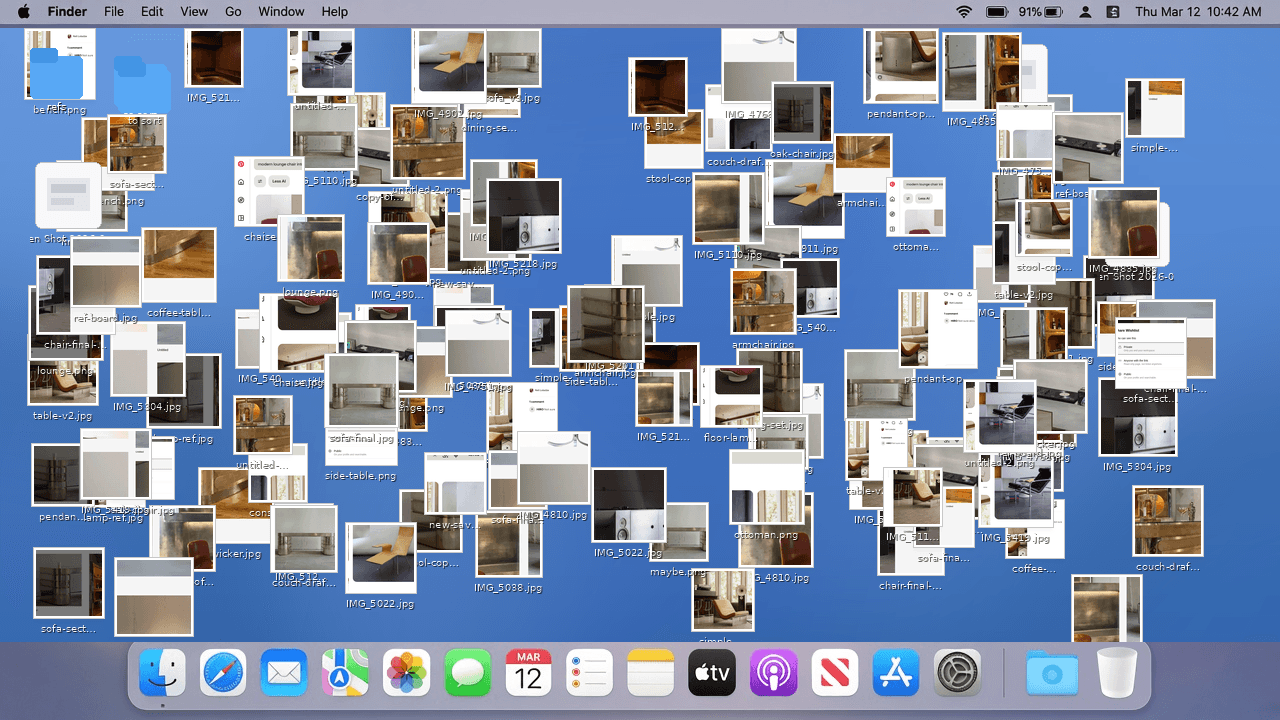
Your references live in Pinterest boards, a Cosmos collection, screenshots on your desktop, a shared Drive folder and a Slack thread. Once the direction is set, you start again in a spreadsheet to source what's in the pictures.
Aalto keeps references and products in one visual workspace, so the moodboard and the sourcing list sit on the same board.
Bring your references in
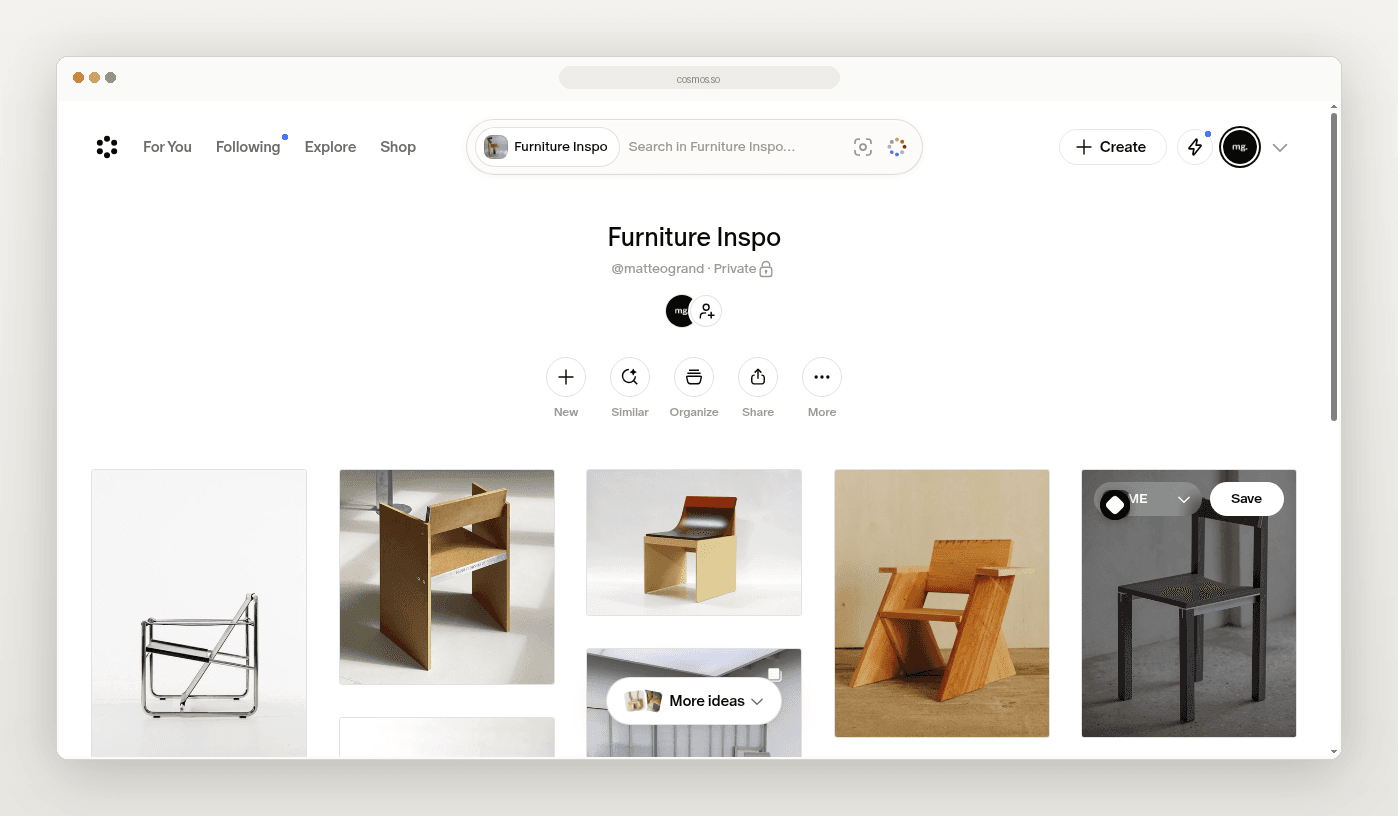
With the Aalto Chrome extension, hover an image on Pinterest or Cosmos and save it to a project, or import a whole board at once. Aalto writes a short description of each image, so you can search for "brass wall light" later instead of scrolling.
Save the products too
On a shop's product page, click the extension or press Alt+C. Aalto fills in the name, brand, price, image and supplier. When a reference turns into a real pick, mark it as a product and add its details.
If your work computer blocks extensions, paste the product link into Aalto instead.
Lay it out on a canvas
Give each project a collection. Arrange references and products on a freeform canvas, add text notes and your own images, and remove a background when a cut-out reads better. Switch to a grid or table when you need to count and cost it. Set a budget, and Aalto adds up the total and converts currencies for you.
Share it with your client
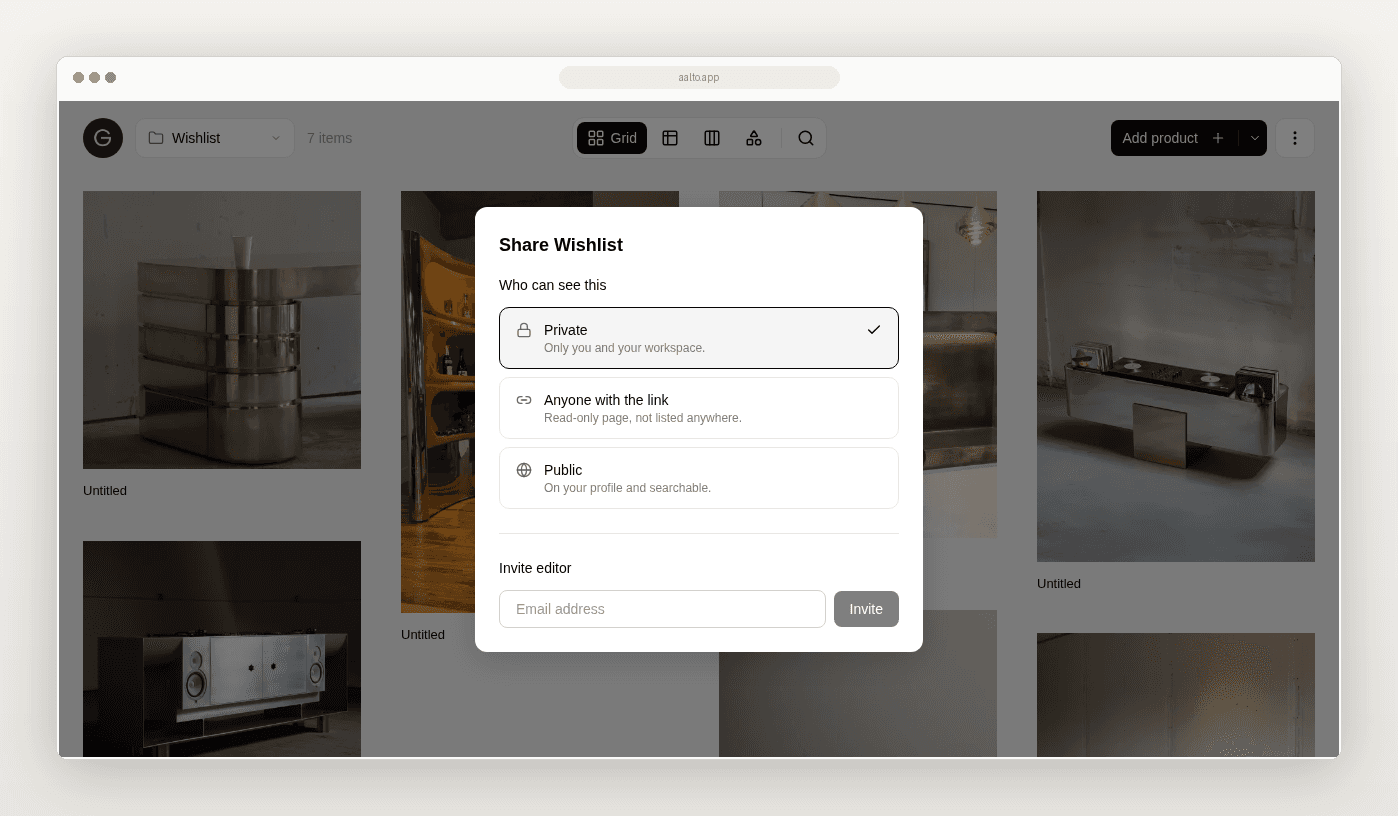
Once a direction is ready, share a read-only link. Your client opens a clean page of images and names, with no login and nothing to install. Invite your team as editors so you all build the same board. You can also publish a board to your public Aalto profile as a portfolio piece.
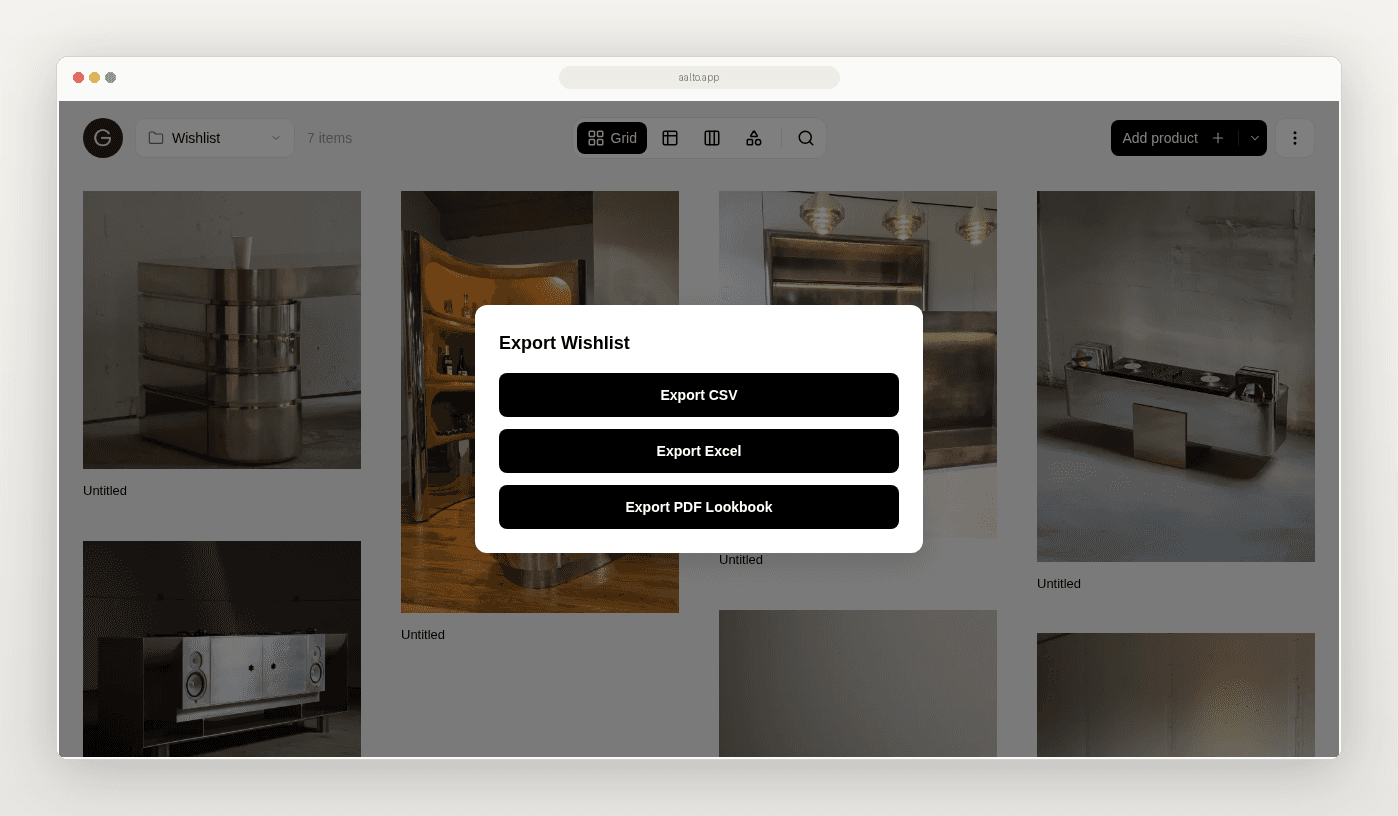
Export when production needs a list
Export the board to Excel or CSV for production or purchasing, or as a PDF lookbook for a presentation. Aalto builds the export from the board, so you skip the retyping.
Keep your other tools
Aalto handles references and product selection. Keep project management, invoicing and design files in the software you use now, and keep Pinterest and Cosmos for discovery.
Try it on one project this week
- Install the Chrome extension.
- Make a collection for one live project.
- Import one Pinterest or Cosmos board into it.
- Save the products you're considering next to the references.
- Share the board with your client.
- Export the list when production asks for it.
If the first week saves you an afternoon, bring the next project in too.
“I love that Aalto feels as refined as the products we specify. It makes saving and organising our hundreds of products effortless.”
Frequently asked questions
Do I need the Chrome extension?
For saving from Pinterest and Cosmos, yes. For products, you can also paste a link into Aalto on the web or your phone.
Can I import a whole Pinterest board?
Yes. The extension imports a board's images in one go, up to your plan's product limit.
How does Aalto compare with a moodboard tool?
Aalto keeps references and real products on one board. Each product carries its price, supplier and link, so you can cost and source the direction without starting a new spreadsheet.
Does my client need an account to see a board?
No. They open a read-only page of images and names, and they can't change anything.
How much does it cost?
Free for up to 20 products, with CSV export and view-only share links. Paid plans start at $19 a month and add unlimited products, Excel and PDF export, and editor invites.