Features for product sourcing

Save products from any site, organise them by project and room, and hand your client a board or a schedule.

No credit card required

Curate

See a project four ways

Switch the same board between a grid, a table, a kanban and a freeform canvas. Try it here.

More on curating
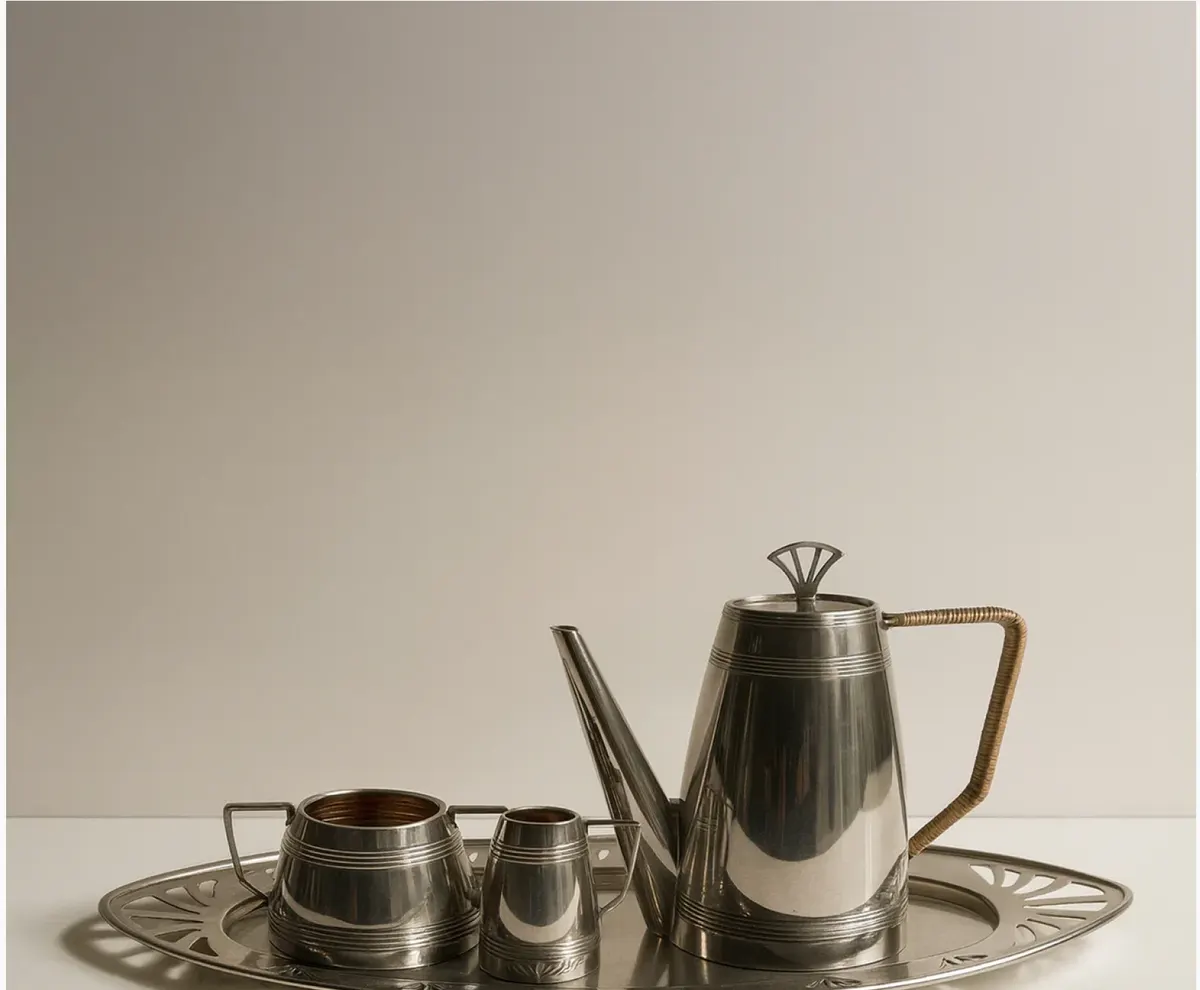
1930s Silver Coffee Set
€2,100Ordered
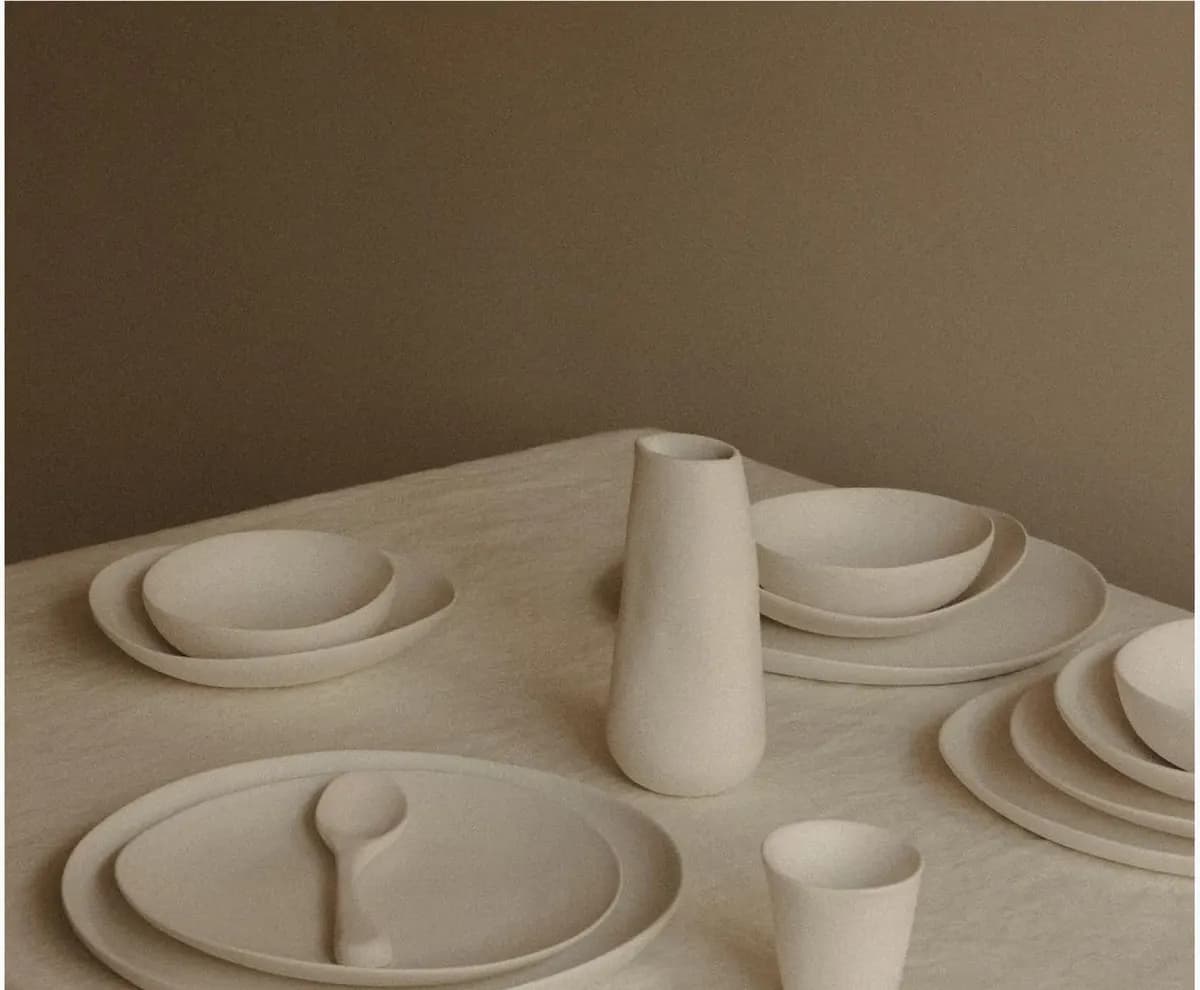
Ceramic Tableware Set
€310Shortlisted
Ceramic Vases
€260Uncategorised
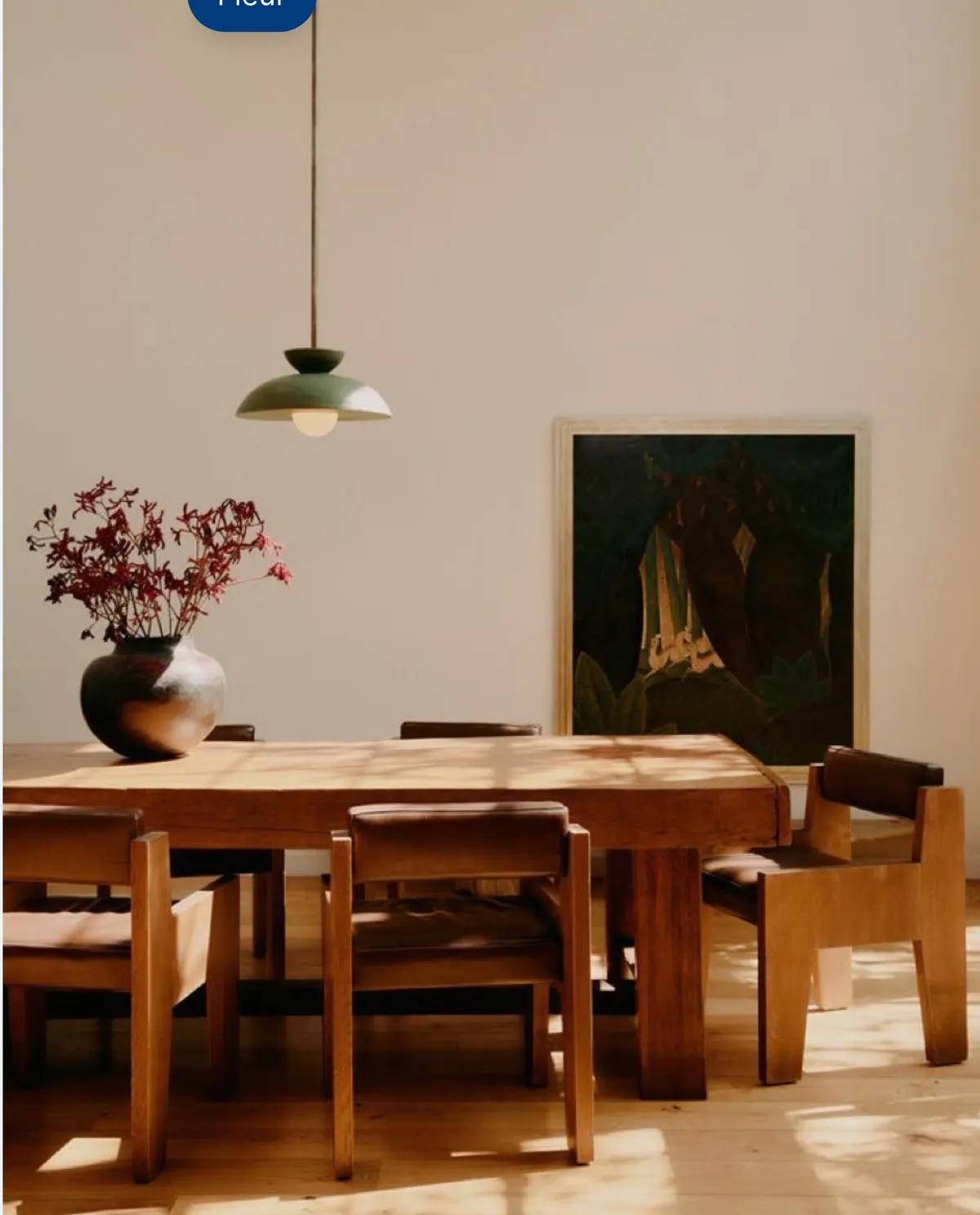
Dining Room Study
—Shortlisted
Glassware
€180Shortlisted
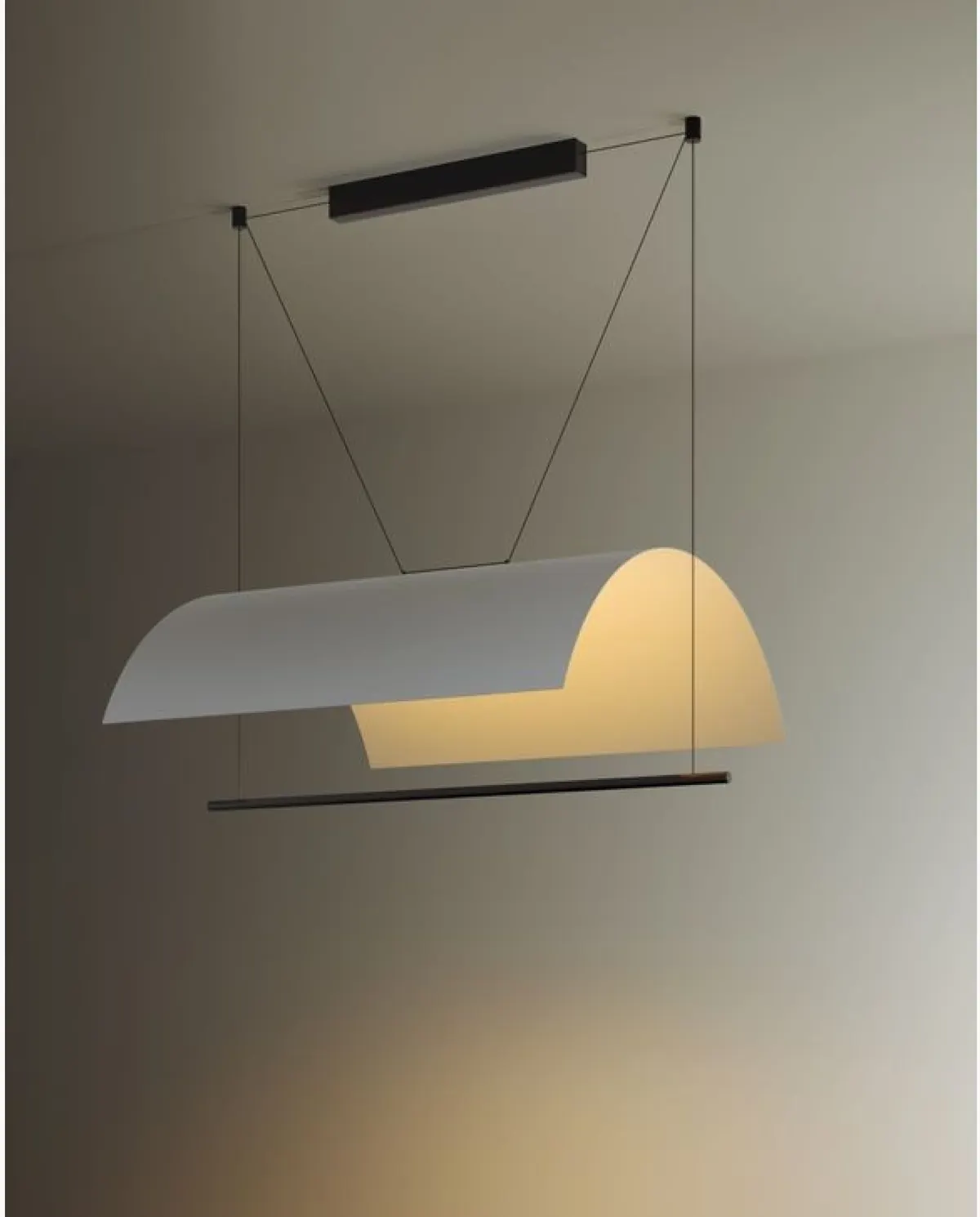
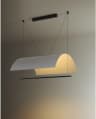
Lámina Pendant Lamp
€980Uncategorised
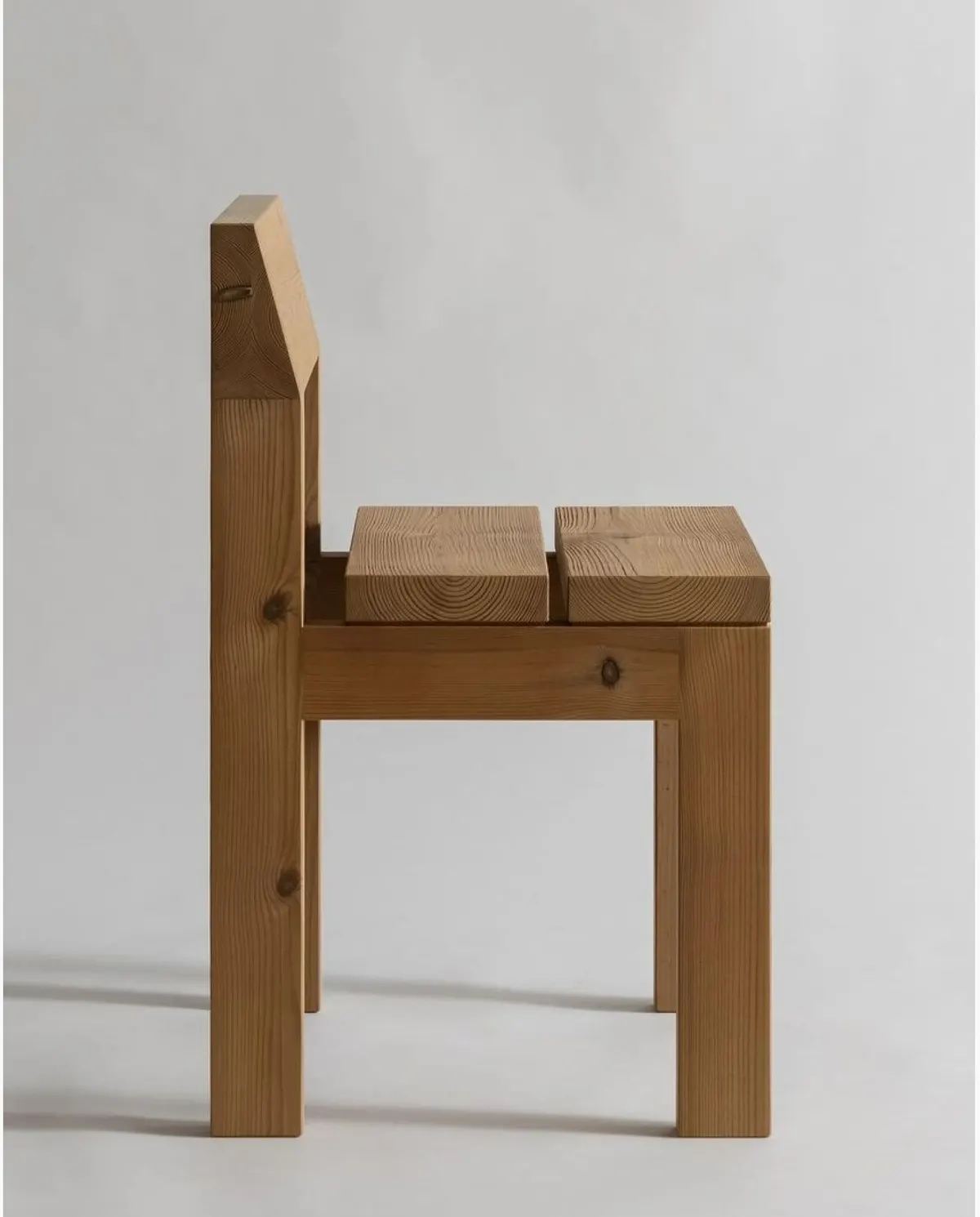
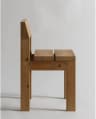
Osa Dining Chair
€1,240Delivered
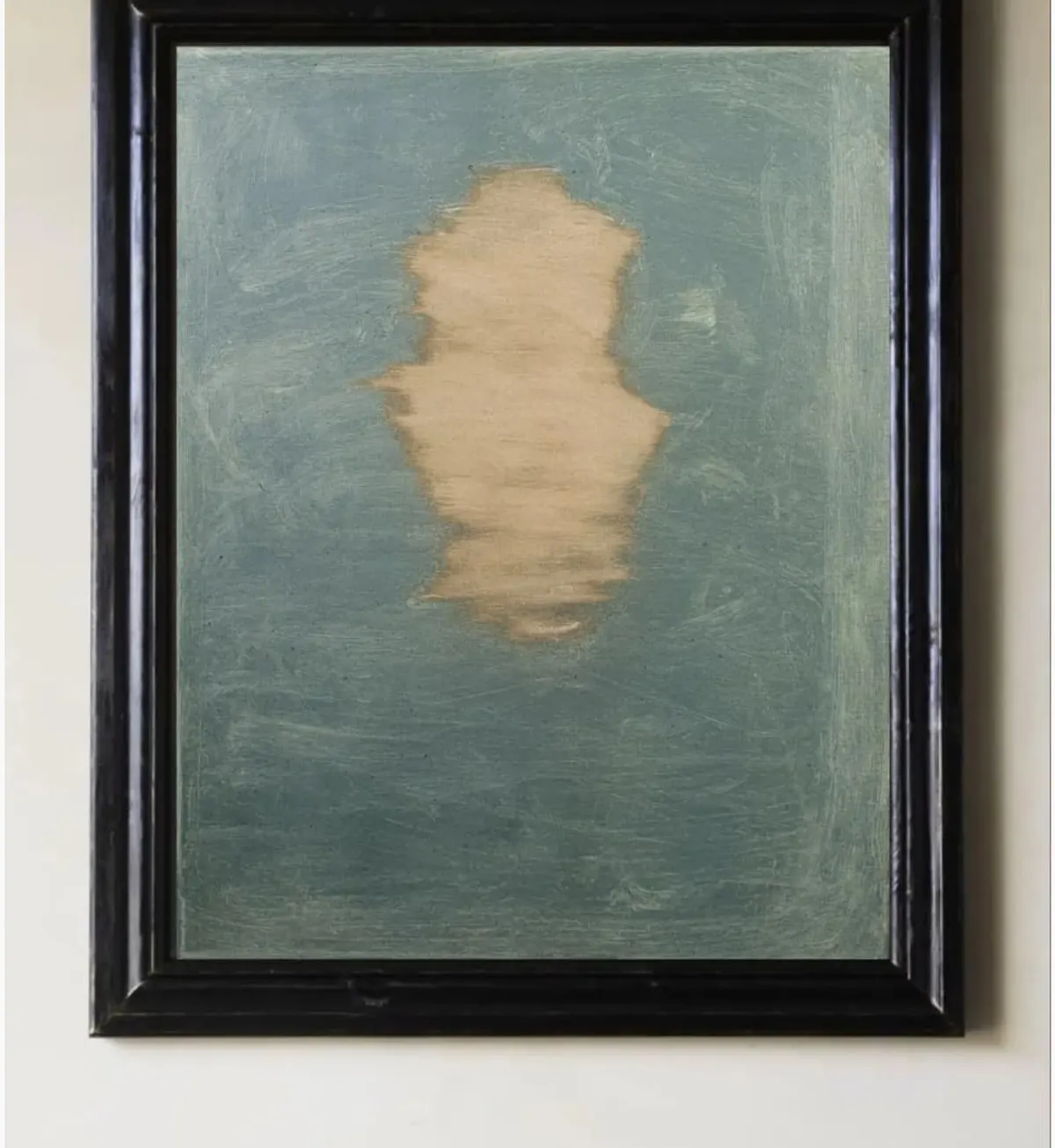
'Poem of atoms III' Painting
€3,570Uncategorised
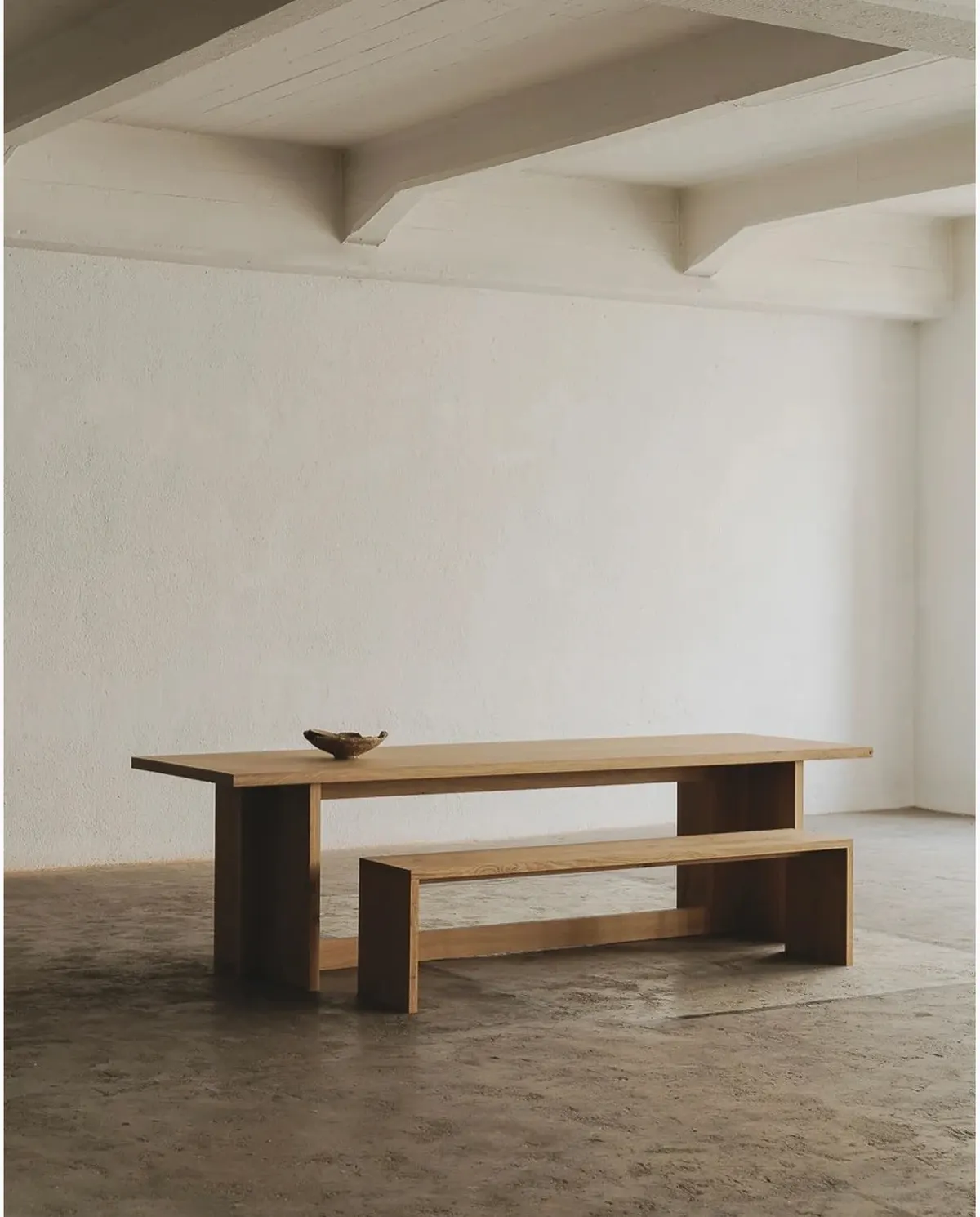
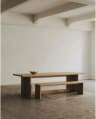
Solid Oak Table
€4,850Ordered
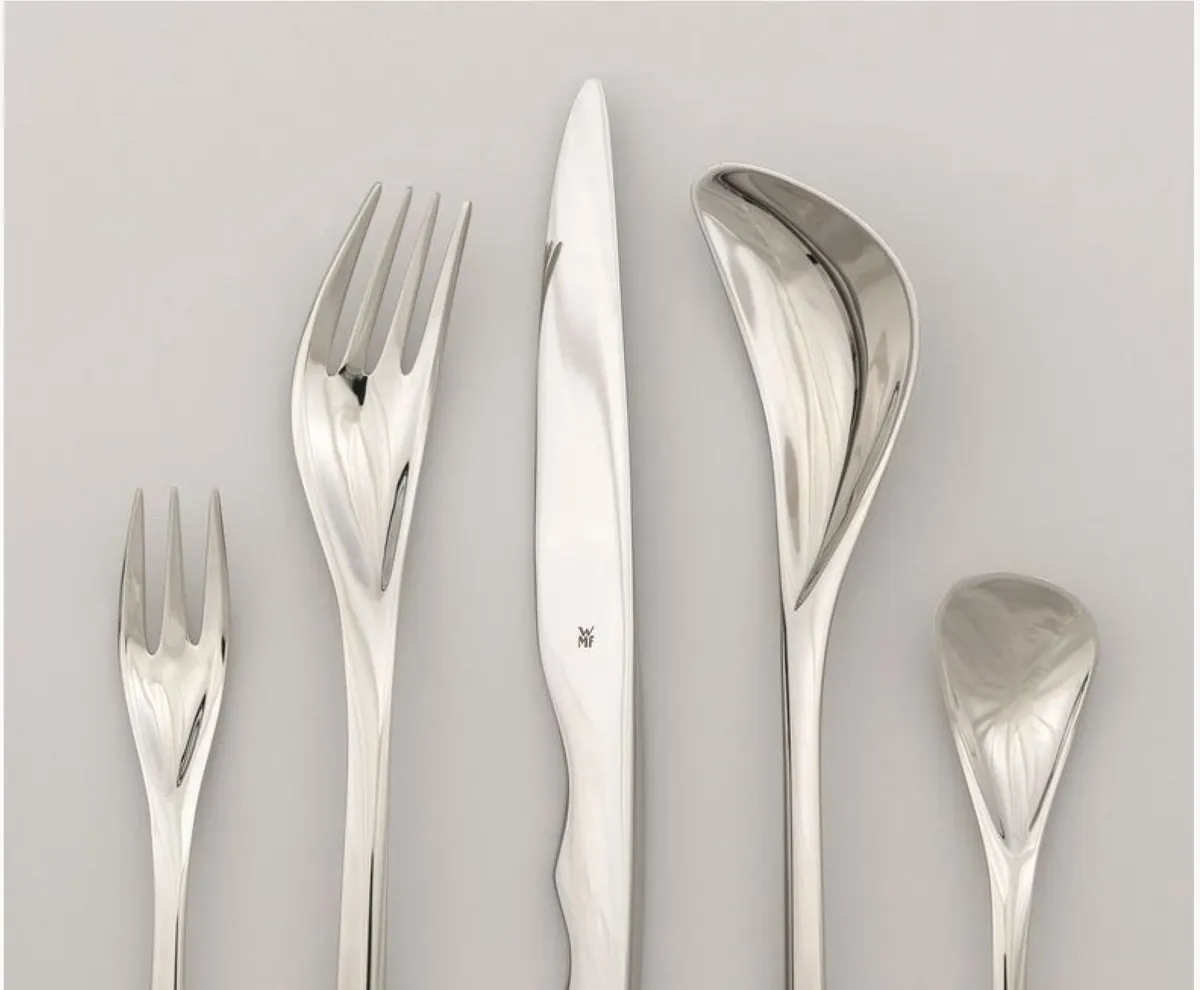
Spiral Cutlery
€420Delivered
'Upside down' Painting
€5,400Shipped

Live demo — click around

Capture

Save in one click

Click the Chrome extension or press Alt+C on a product page. Aalto fills in the name, brand, price, image and supplier.

More on capturing

Capture

Keep the spec sheet

When a product page links a PDF spec sheet, Aalto stores its own copy with the product.

Saving from supplier sites

Plan

Budgets that add up

Set a budget for a project and Aalto totals the prices as you add pieces, converting currencies for you.

Plan

Track each piece

Move products from saved to shortlisted, ordered, delivered and installed, one at a time or in bulk.

Plan

Prices kept current

Aalto rechecks shortlisted and ordered items each week on active projects. Refresh any product yourself.

Share

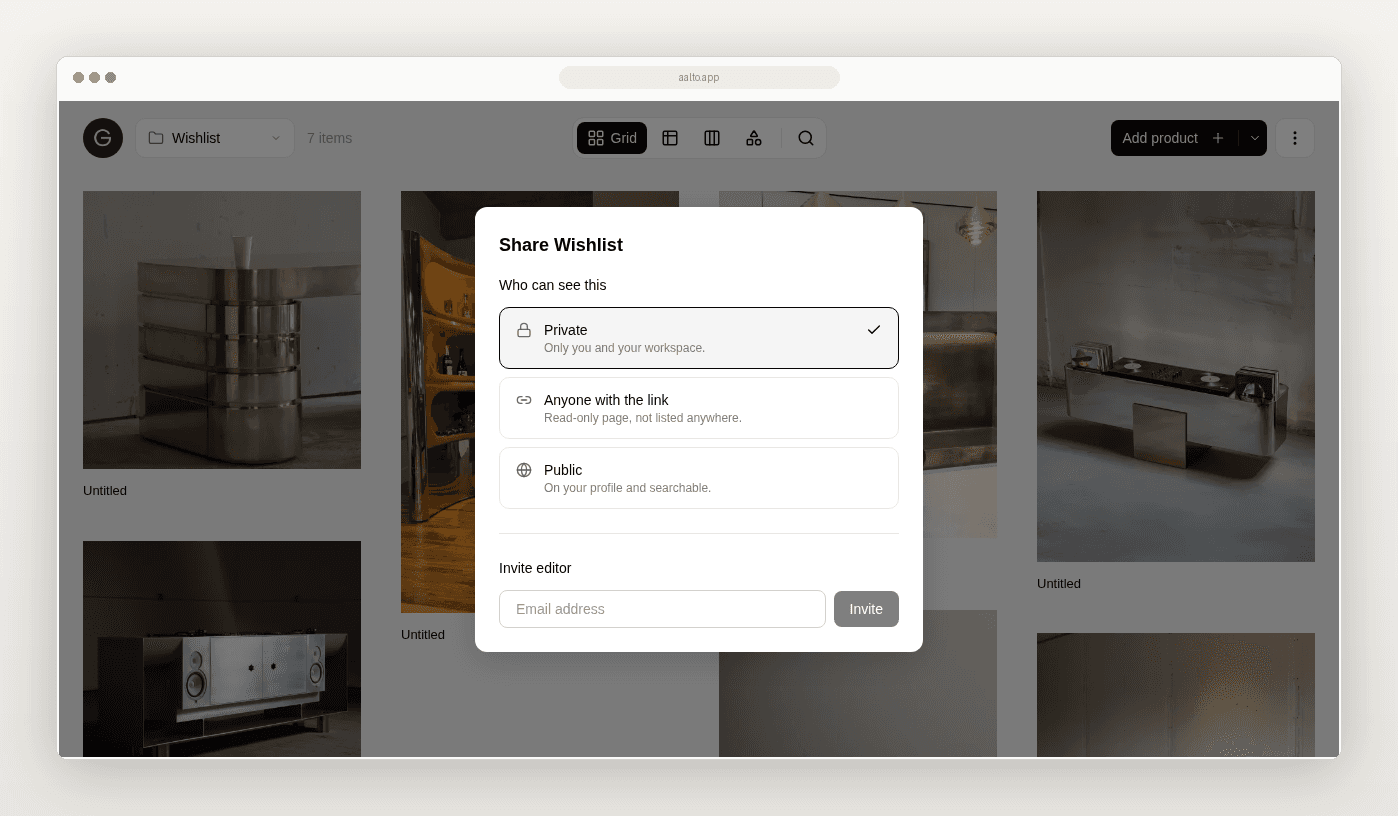
Share a read-only link

Your client opens a clean page of images and product names, with no login and nothing to install.

More on collaborating

Curate

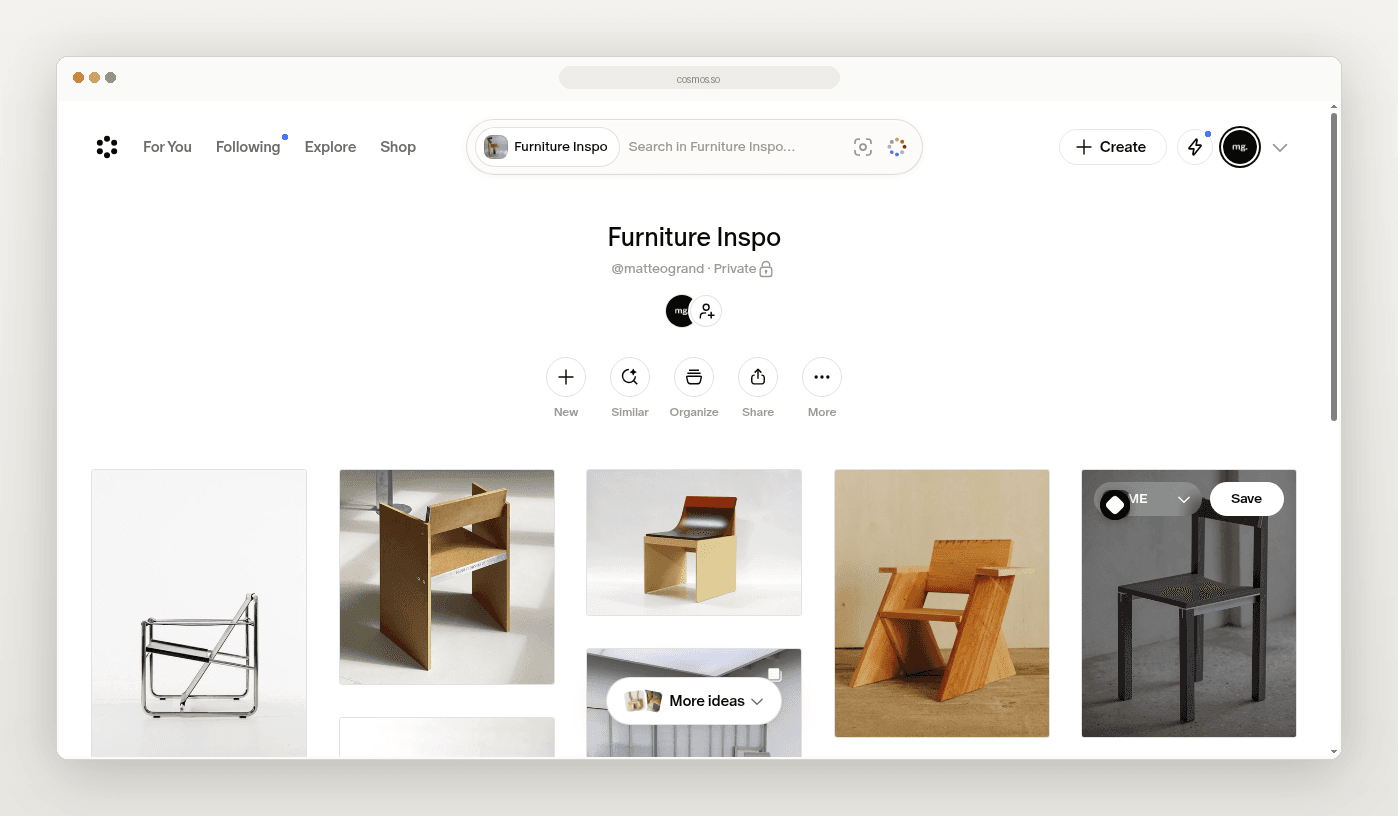
Search by what it looks like

Aalto describes each image, so a search for a sculptural pendant finds one.

Curate

Your own fields

Add fields for lead time, finish code or whatever your studio tracks.

Share

Work together live

Invite your team as editors and see each other's changes as they happen.

Also in Aalto

  • Sections

    Split a board into rooms, areas or packages.

  • Tags

    Tag products and filter a board by them.

  • Group by

    Group a board by section, tag, status or brand.

  • Bulk actions

    Copy, move or change the status of many products at once.

  • Sortable tables

    Sort, reorder, pin and hide columns in the table view.

  • Dimensions

    Store length, width, height and weight with their units.

  • Canvas notes

    Add text blocks and your own images to a canvas.

  • Background removal

    Cut a product out of its photo on the canvas.

  • Inspiration to product

    Turn a saved image into a product once it becomes a real pick.

  • Paste a link

    Save a product page by pasting its URL into Aalto.

  • Workspaces and roles

    Invite admins and editors to a shared workspace.

  • Public profile

    Publish boards to your own Aalto profile page.

Use it on

Start with one project

Free for up to 20 products. No credit card required.