The product and material workspace for architects
Save fixtures, finishes and materials from manufacturer sites in one click. Keep the spec sheet with each product, share selections with your client, and export the schedule without retyping it.
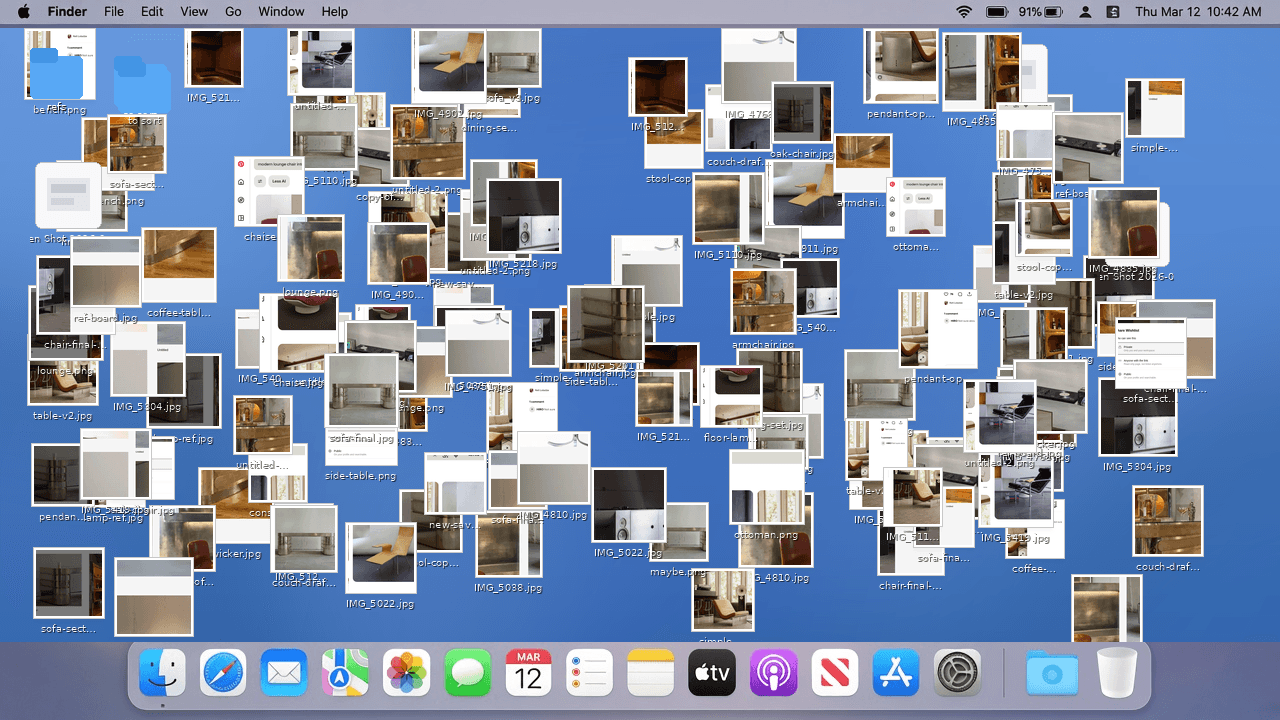
Your specification research lives in a spreadsheet, a folder of downloaded spec sheets, manufacturer tabs you meant to bookmark and an email thread with your client. You rebuild the list for each project, and you chase the same spec sheet again when a detail changes.
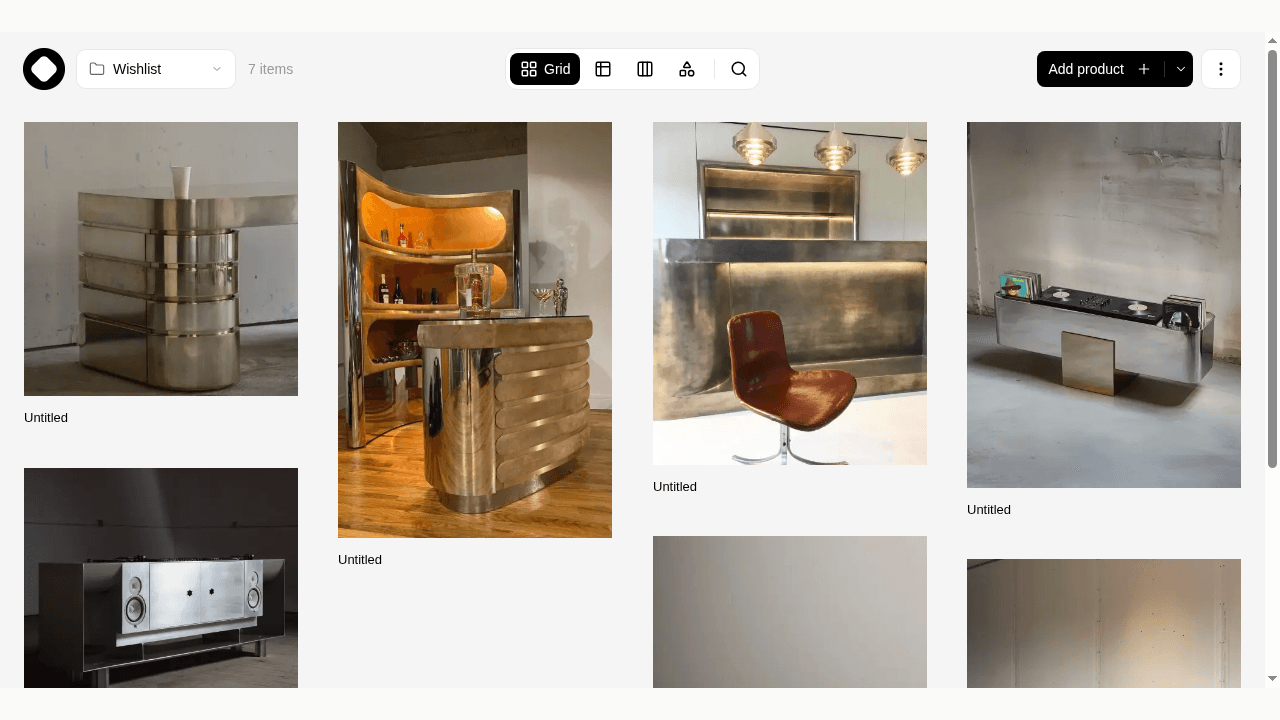
Aalto keeps the products and materials you're considering in one visual workspace. You save a fixture or finish once, with its image, price, manufacturer, link and spec sheet, then use it on this project or a later one.
Save from manufacturer sites in one click
Install the Aalto Chrome extension. On a manufacturer's product page, click the extension or press Alt+C. Aalto fills in the name, brand, price, image and supplier, and keeps the spec sheet PDF when the page links one. You pick the project as you save, so the research lands where your team can find it.
If your work computer blocks extensions, paste the product link into Aalto instead.
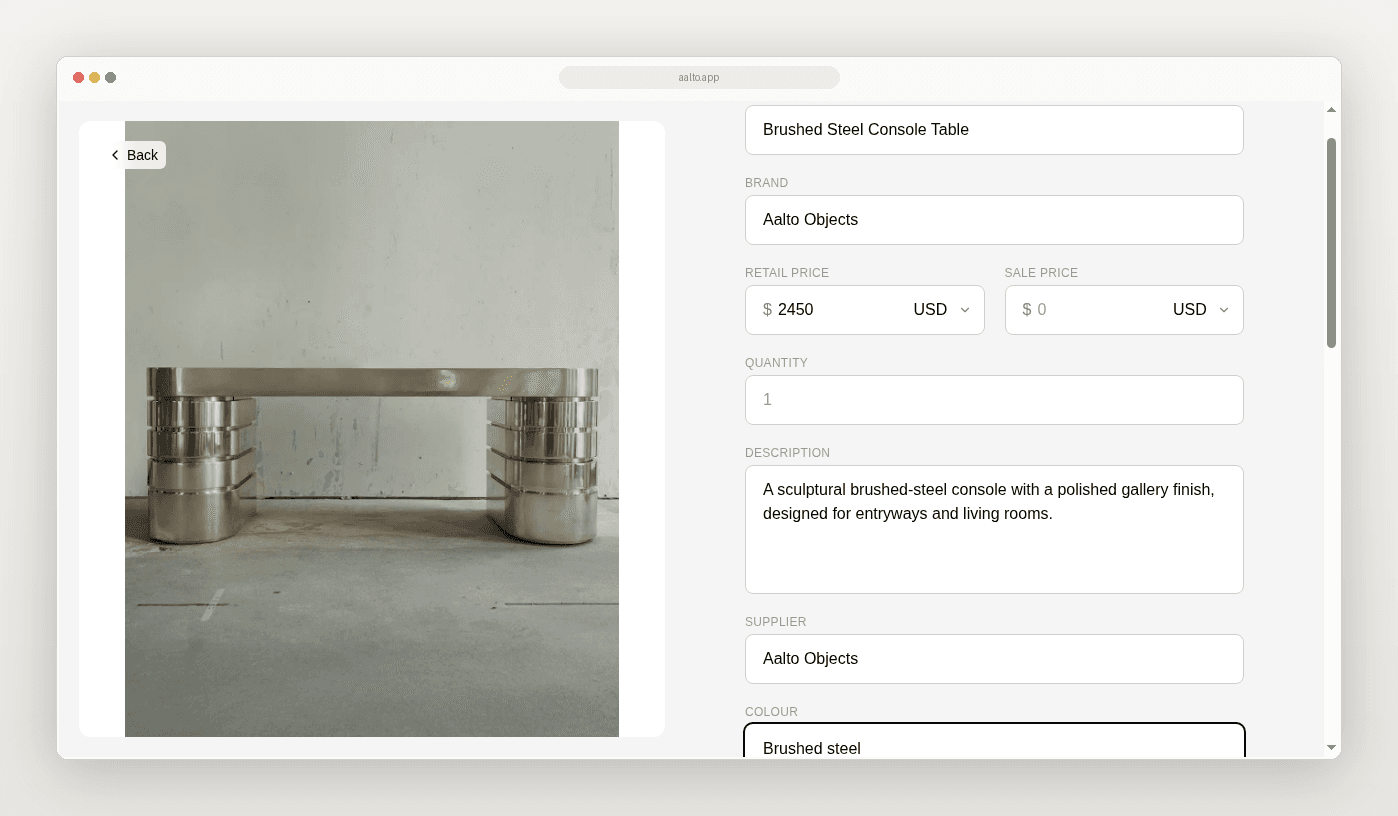
Each product keeps its price, supplier, SKU, colour, dimensions, quantity, spec sheet and your notes on one page. You can add fields for what your specification needs, like finish code, lead time or fire rating.
Work in a table when the job needs it
Give each project a collection and each area or package its own section. Use the table view to sort, pin columns and edit fields inline, then switch to a grid or canvas when you're comparing finishes by eye. Move each item through saved, shortlisted, ordered, delivered and installed.
Keep the studio on one list
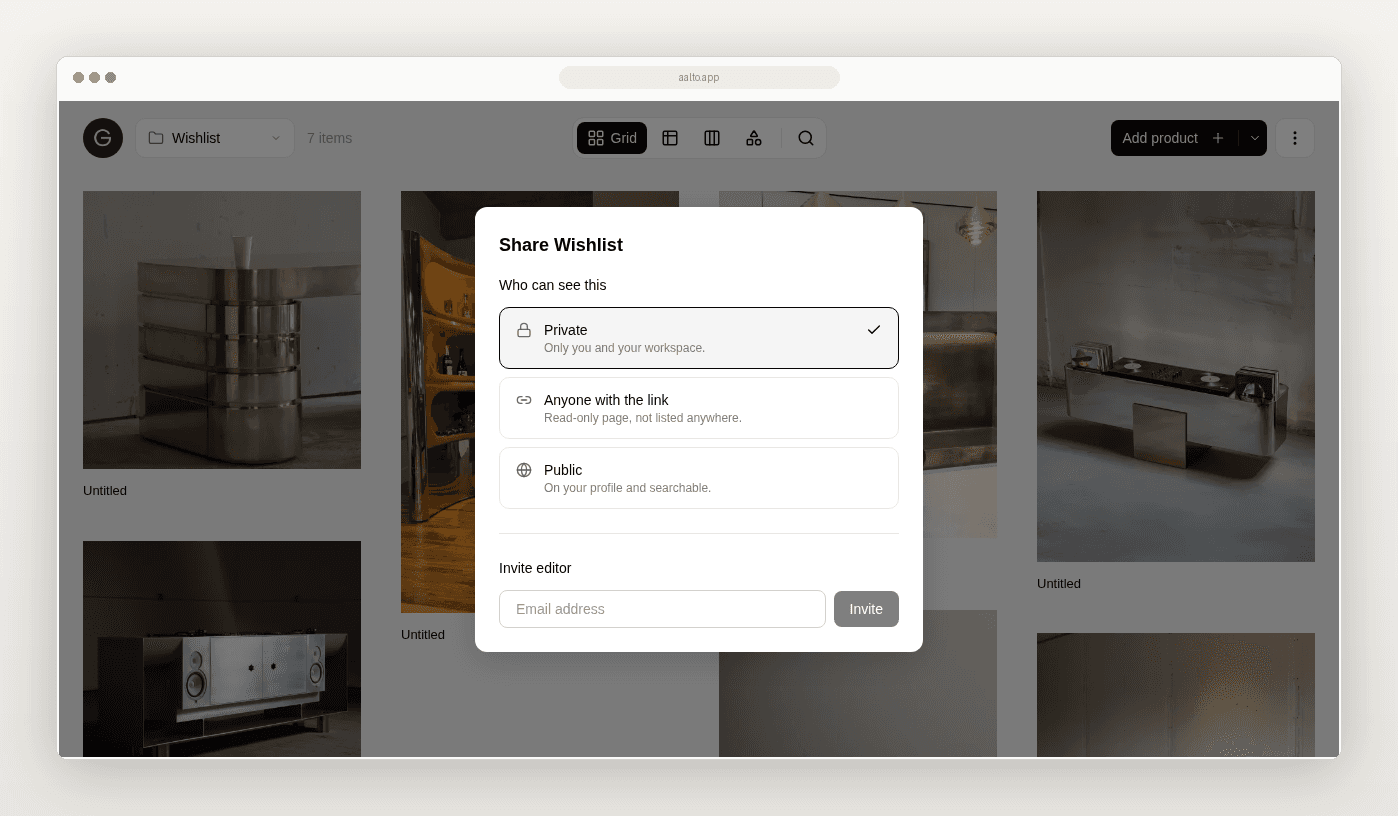
Invite your team as editors so everyone saves into the same project. Once a selection is ready, share a read-only link with your client. They open a clean page of images and product names, with no login and nothing to install.
Export for documentation
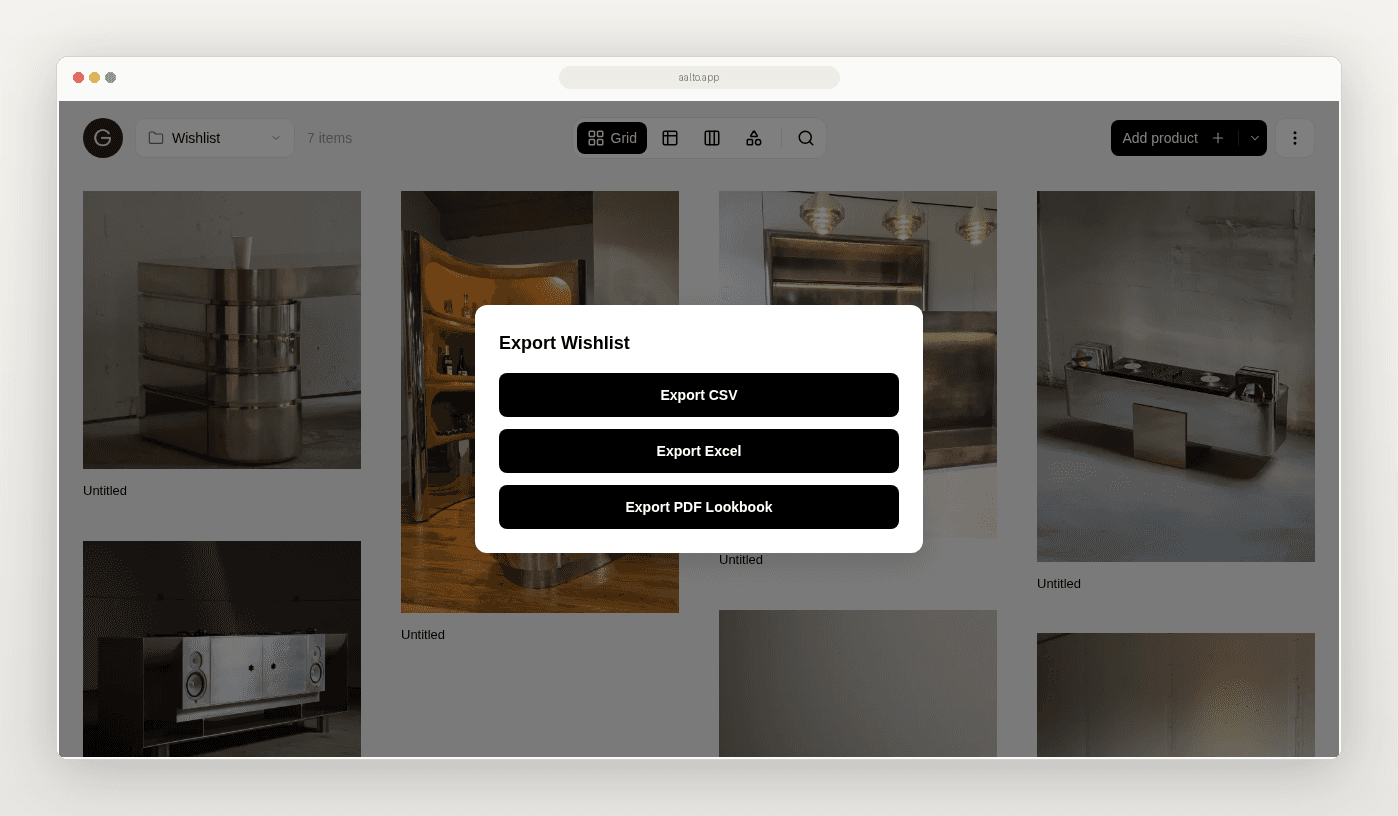
Export a selection to Excel or CSV to fold into your specification or hand to a contractor, or as a PDF lookbook for a client presentation. Aalto builds the export from your selections, so you skip the retyping.
Quote with current prices
Aalto saves the price when you save the product. While you're working on a project, it rechecks the prices of shortlisted and ordered items each week and records any change, so you're less likely to quote last month's number. You can also refresh one product or a whole selection from the board.
Keep your other tools
Aalto handles product and material selection. Keep drawings, BIM, specification writing and contract administration in the software you use now.
Try it on one project this week
- Install the Chrome extension.
- Make a collection for one live project.
- Add a section for each area or package you're specifying.
- Save this week's manufacturer finds in Aalto instead of bookmarking them.
- Share the link for one area with your client.
- Export the schedule for your specification.
If the first week saves you an afternoon, bring the next project in too.
“The quality of this app is exceptional. Aalto helps us move from scattered inspiration to a clear material and furniture direction much faster.”
Frequently asked questions
Do I need the Chrome extension?
No, but it's the fastest way to save. You can also paste a product link into Aalto on the web or your phone.
Does Aalto keep the manufacturer's spec sheet?
Yes, when the product page links a PDF. Aalto stores its own copy with the product, so you keep it if the manufacturer takes the page down.
Can I add my own specification fields?
Yes. Add custom fields such as finish code, lead time or fire rating, and they appear as table columns you can sort and edit.
Do prices update automatically?
For items you've shortlisted or ordered on an active project, Aalto rechecks the price each week and records any change. Some manufacturer sites can't be read automatically, so refresh a product before you quote if the price matters.
Does Aalto replace my specification software?
No. Aalto covers product and material selection. Export to Excel or CSV and bring the schedule into the tools you document with.
How much does it cost?
Free for up to 20 products, with CSV export and view-only share links. Paid plans start at $19 a month and add unlimited products, Excel and PDF export, and editor invites.
Is Aalto only for interiors?
It works best wherever you're choosing products: fixtures, finishes, furniture and lighting. It doesn't handle drawings or building documentation.