Education
Room-by-room FF&E selection checklist
A practical room-by-room FF&E selection checklist for interior studios. Keep products, rooms, status, and source together without rebuilding the list from screenshots.
The Aalto teamUpdated
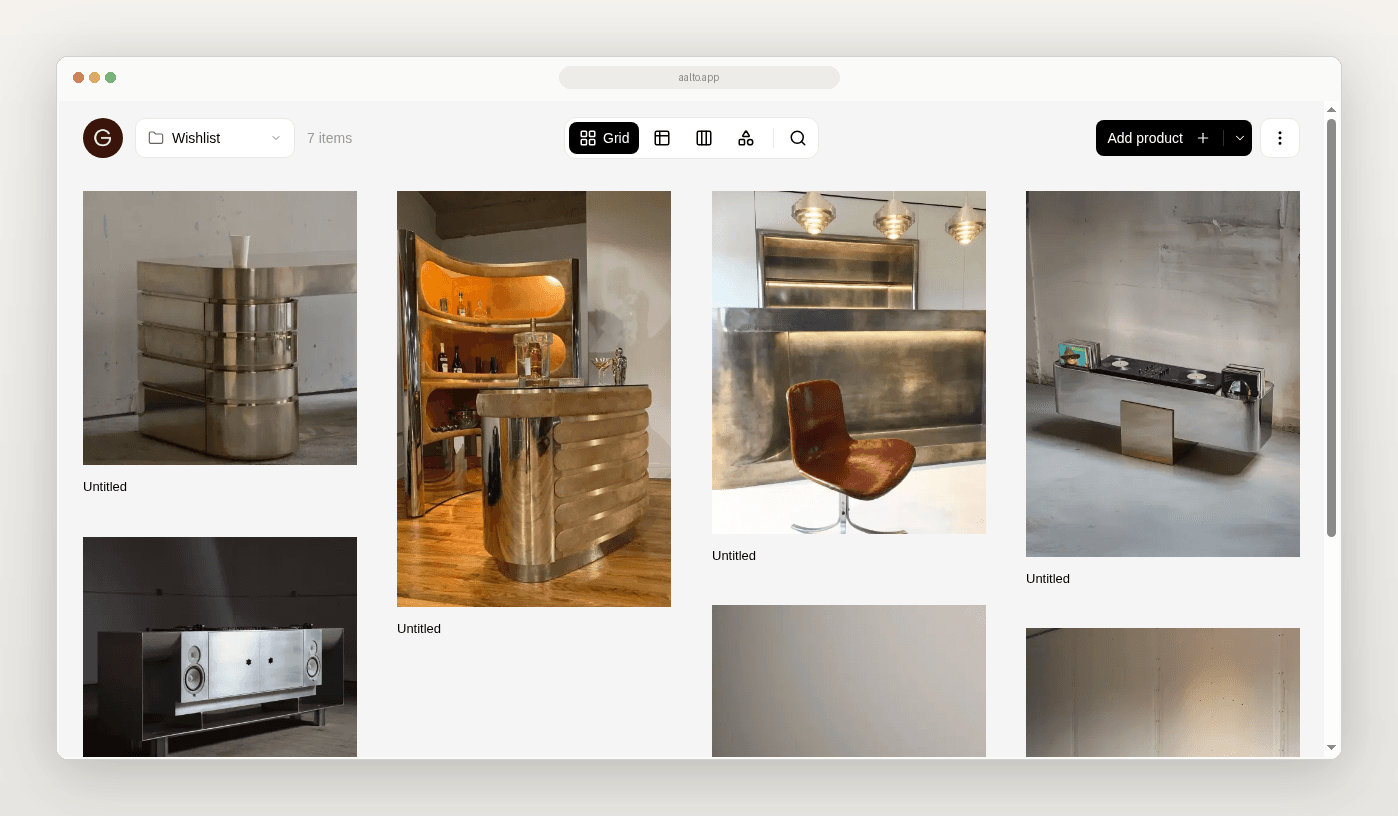
Your room selection list gets messy when products live in five places. One sheet. One Drive folder. A few screenshots. A client email thread. A half-finished InDesign board.
This checklist is reusable. Use it in Excel or Sheets if you want. Use it in Aalto if you want each product to keep its source URL and price at save.
This page covers one room. It does not cover the whole project.
What this checklist is for
You are choosing FF&E for one room on a live project. You need a short list that a teammate or client can review without hunting for context.
It is not a procurement tracker. It is not a full studio OS. It is a selection checklist.
What the spreadsheet version usually looks like
You open a blank tab. You add columns as you go. Name. Link. Maybe a price. Maybe a finish. The room name sits in the tab title or a header cell.
It works until someone asks which sofa was shortlisted for the living room last week. Then the hunt begins.
What a good room checklist needs
For each product line, capture these fields.
- Room or area
- Category (seating, lighting, table, storage, soft, finish, other)
- Product name
- Supplier or maker
- Quantity
- Finish or variant under review
- Price captured at save
- Source URL
- Status (saved, shortlisted, ordered, delivered, installed)
- Open question or note
Aalto records the price when you save. While you're working on a project, it rechecks shortlisted and ordered pieces each week and records any change, and you can refresh any product yourself before you quote.
The checklist (copy into a sheet or mirror in Aalto)
| Room | Category | Product | Supplier | Qty | Finish | Price at save | Source URL | Status | Note |
|---|
Print or duplicate this table for each room. Keep one project name at the top of the sheet.
Where the old workflow breaks
The product loses its source. A name without a URL is hard to find again.
The price needs a clear capture point. Mark price at save. Refresh it when you need a current figure.
The room view disappears. A master list with weak room labels slows reviews.
Screenshots replace decisions. Ten images without status create noise.
Project. Coastal apartment. Room. Living.
- Sofa. Maker A. Qty 1. Fabric sample pending. Price at save from supplier page. Source URL attached. Status shortlisted.
- Floor lamp. Maker B. Qty 1. Brass. Price at save. Source URL attached. Status saved.
- Coffee table. Maker C. Qty 1. Oak. Price at save. Source URL attached. Status ordered.
- Rug. Maker D. Qty 1. Size TBC. Price at save. Source URL attached. Status saved.
A teammate can open the list and see what is decided without opening four browser tabs.
How Aalto fits
Aalto is a visual workspace. Save each product from the supplier site. Keep its specs, source URL and price at save. Store products across many projects or for future ones. Add a product once. Reuse it across rooms or future projects. Add it to the project and its room. Share the board when the shortlist is ready. Export later if someone needs a sheet.
Aalto is lighter than a full practice tool such as Programa or Houzz Pro. The rivals here are Excel or Sheets, Drive and screenshots.
Quality check before you hand the room off
- [ ] Every shortlisted row has a source URL
- [ ] Every price was checked recently, or you've refreshed it
- [ ] Status is filled for every live option
- [ ] Options you ruled out are removed
- [ ] One open question per row at most
When to keep using Excel
Keep Excel for budgets that need complex formulas. Keep it for consultant exports that must match a fixed column template. Move the selection layer first when the sheet is also your scrapbook.
Try it on one room
Pick one room on a live project. Fill this checklist for five products. Or save those five in Aalto with room context and price at save.
Frequently asked questions
Does Aalto update prices automatically?
For pieces you've shortlisted or ordered on an active project, Aalto rechecks the price each week and records any change. Some supplier sites can't be read automatically, so refresh a product before you quote if the price matters.
Can I use this checklist without Aalto?
Yes. The table works in Sheets or Excel. Aalto helps when you want the product record to carry the source and the board view.
Is this a full FF&E schedule?
No. It is a room selection checklist. Export a fuller schedule when the shortlist settles.