Education
Excel vs Aalto for interior design
Honest comparison of Excel vs Aalto for interior design product selection. Where spreadsheets win, where a visual workspace wins, and how to try both on one project.
The Aalto teamUpdated
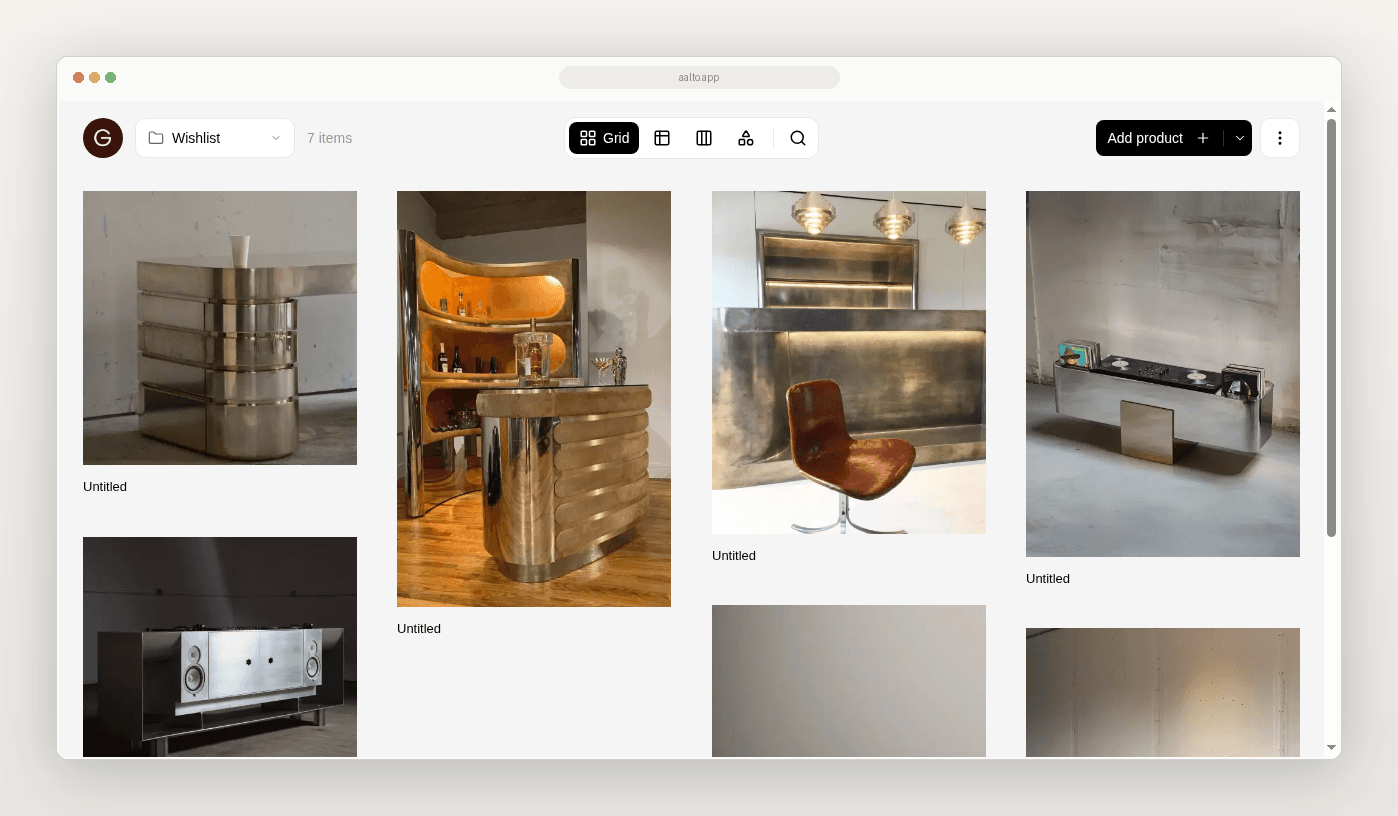
Excel is the default for many studios. Aalto is a visual workspace for product selection. This comparison is honest about both.
Who this is for
You keep product research in workbooks, Drive folders, and screenshots. This page is for you if you run a studio of about 2 to 20 people with several sourcing-heavy projects.
Quick compare
| Excel / Sheets | Aalto | |
|---|---|---|
| Best at | Flexible grids, formulas and custom templates | Saving products with source, organising by room or project, sharing boards and exporting schedules |
| Capture from supplier sites | Manual copy and paste | Save with price, specs and source URL at save |
| Room review | Tabs or filters | Project and room boards |
| Sharing | File links, PDFs or screenshots | Read-only board links with images and product names |
| Price behaviour | Whatever you type, which is easy to overwrite | Recorded at save. Rechecked weekly while shortlisted or ordered; refresh any time |
| Procurement / full studio OS | You build it yourself | Not the job. Aalto is lighter than Programa-class tools. |
| Cost shape | Familiar and often already paid for | Free tier, then Pro per member. See the pricing page. |
Where Excel wins
Complex budgets. Pivot-heavy reporting. Templates that must stay fixed. Simple lists when you rarely share visual shortlists.
Where Aalto wins
Aalto is a visual workspace. Product identity stays with the source URL. Add a product once and reuse it across jobs or for future ones. Room boards cut screenshot assembly. Exports start from organised records instead of retyping. Selection work stays quieter without buying a full practice OS.
What neither tool does
Neither tool gives you live supplier prices. Aalto records the price when you save. While you're working on a project, it rechecks shortlisted and ordered pieces each week and records any change, and you can refresh any product yourself before you quote. Excel keeps whatever you typed unless you build something custom.
You run two residential projects at once. Budgets stay in Sheets. New FF&E options for Project A move into Aalto by room. You review a board. An Excel export goes out with a price-at-save note. Excel and PDF export are on paid plans, and CSV is on every plan. Project B can follow after the pilot.
How to choose for the next project
- Stay in Excel if the pain is only formulas.
- Try Aalto if the pain is capture, room review and sharing.
- Use both if budgets and selections are different jobs. That is often true.
Try the comparison on one live project
Keep your budget sheet. Run product selection for one room in Aalto. Export once. Decide from the friction you feel, not a feature checklist.
Frequently asked questions
Does Aalto replace Excel entirely?
Usually no. It replaces the fragile product-selection layer.
Does Aalto replace Programa?
No. It is a lighter sourcing and organisation layer. Think product memory, not a full studio OS.
Are prices kept live in Aalto?
For pieces you've shortlisted or ordered on an active project, Aalto rechecks the price each week and records any change. Some supplier sites can't be read automatically, so refresh a product before you quote if the price matters.