Education
Replace spreadsheets for interior product selection
Replace spreadsheets for interior product selection when capture, rooms, and sharing create rework. Keep budgets in Sheets if needed; move the selection layer.
The Aalto teamUpdated
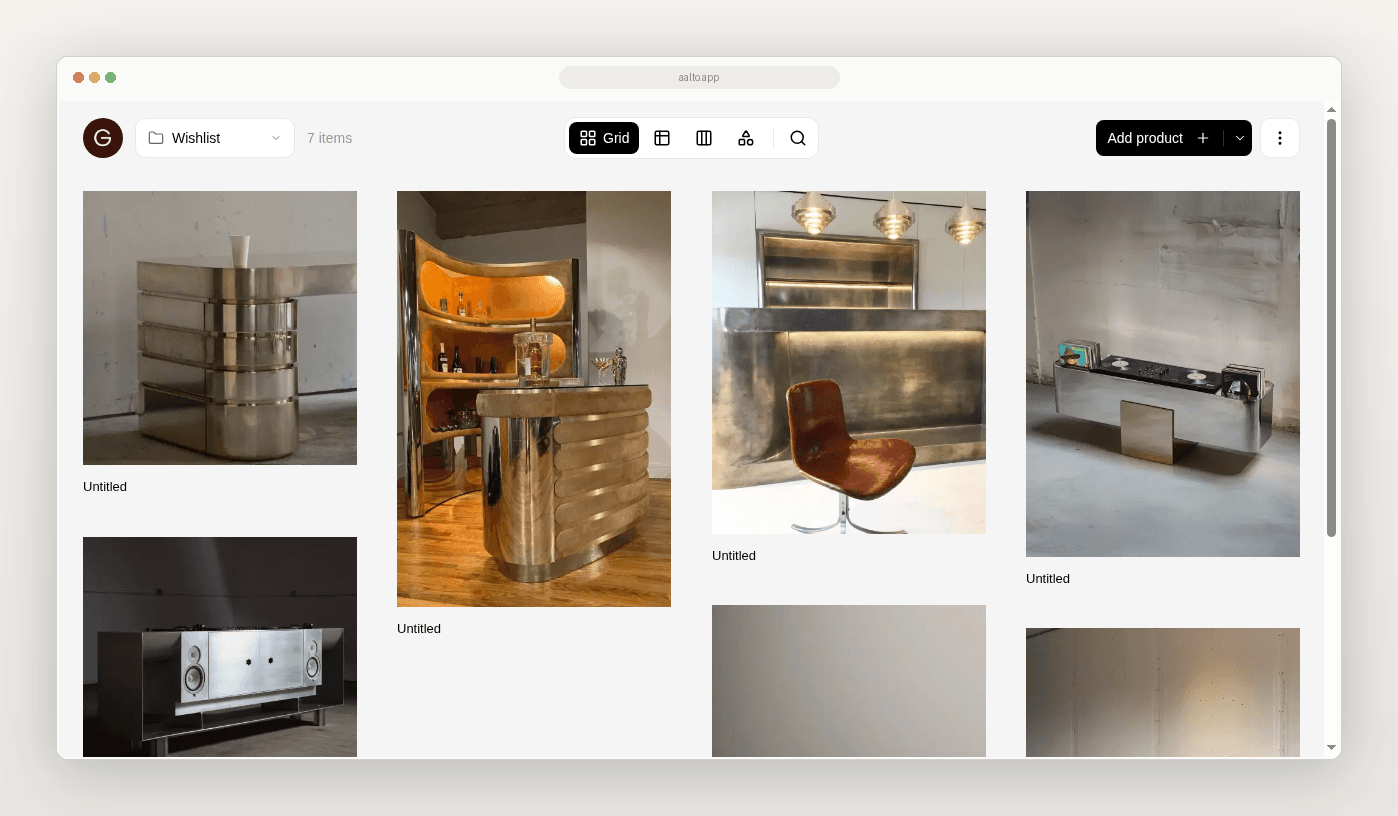
Spreadsheets work well for lists. They get harder when you also need sources, rooms, and a view you can share.
This page is for you if product selection is where the friction shows up first. It is not full practice management. It is not procurement.
What selection in a spreadsheet looks like today
Your shortlist grows in columns. Images live elsewhere. Client feedback lands in email. Someone tries to keep a status column honest. The sheet becomes the archive and the conversation at once.
What a good selection workflow needs
- Fast capture from supplier sites
- Price and specs at save with source URL
- Room and project context
- A board view for review
- An export when a schedule is required
Aalto records the price when you save. While you're working on a project, it rechecks shortlisted and ordered pieces each week and records any change, and you can refresh any product yourself before you quote.
Where spreadsheets break for selection
Capture is slow. Copy and paste splits the product across cells and folders.
Review is assembled by hand. Screenshots recreate the shortlist.
Truth drifts. Two people edit two copies.
A practical replacement path for selection only
- Keep Excel for cost models if you still need it
- Move new selection work for one live project into a product library and board
- Save with a source URL and the price at save
- Review in a room view
- Export a schedule for anyone who still needs a sheet
- Expand only if the test project feels calmer
You are a two-person studio selecting furniture for a retail fit-out. You stop pasting new options into the master sheet. You save into a project board by room. You share one board for the sales floor only. You export XLSX for the joiner later. The budget model stays in Sheets.
How Aalto fits
Aalto is a visual workspace and a product-sourcing layer. Save from supplier sites. Store products across many projects or for future ones. Add once and reuse easily across jobs. Organise by room and project. Share boards. Export CSV on any plan, or Excel and PDF on paid plans. It is lighter than Programa or Houzz Pro. The rivals are Excel or Sheets, Drive, and screenshots.
Quality check
- [ ] You can point to one live project as the pilot
- [ ] New saves include a source URL
- [ ] Every price was checked recently, or you've refreshed it
- [ ] Excel remains where it still earns its keep
When to keep spreadsheets for selection
Keep them when you already have a strict template and low volume. Replace the selection layer when volume and sharing create rework.
Try one selection list
Try the next shortlist for one room without new rows in the master sheet. Use a board. Export if you need to.
Frequently asked questions
Will this update prices for me?
For pieces you've shortlisted or ordered on an active project, Aalto rechecks the price each week and records any change. Some supplier sites can't be read automatically, so refresh a product before you quote if the price matters.
Do I delete the old workbook?
No. Stop feeding it new selection work first.
How do I stop using spreadsheets to run interior design projects?
Move one layer at a time, starting with product selection. On your next project, save each piece into Aalto from the supplier site with the Chrome extension, so the name, brand, price, image and link arrive together. Organise it by room, share a read-only link with your client, and export the schedule when someone needs a file. The free plan covers 100 products and one collection, with CSV export, VAT, GST or sales tax columns and client sharing. Pro is US$19 per member per month and adds unlimited products and collections, plus Excel and PDF exports. Aalto does not do invoicing or procurement, so keep those where they already work.