Education
Replace Excel for FF&E schedules
Replace fragile Excel FF&E schedules with a calmer visual workspace. Save products once, organise by room, share boards, and export when you need a schedule.
The Aalto teamUpdated
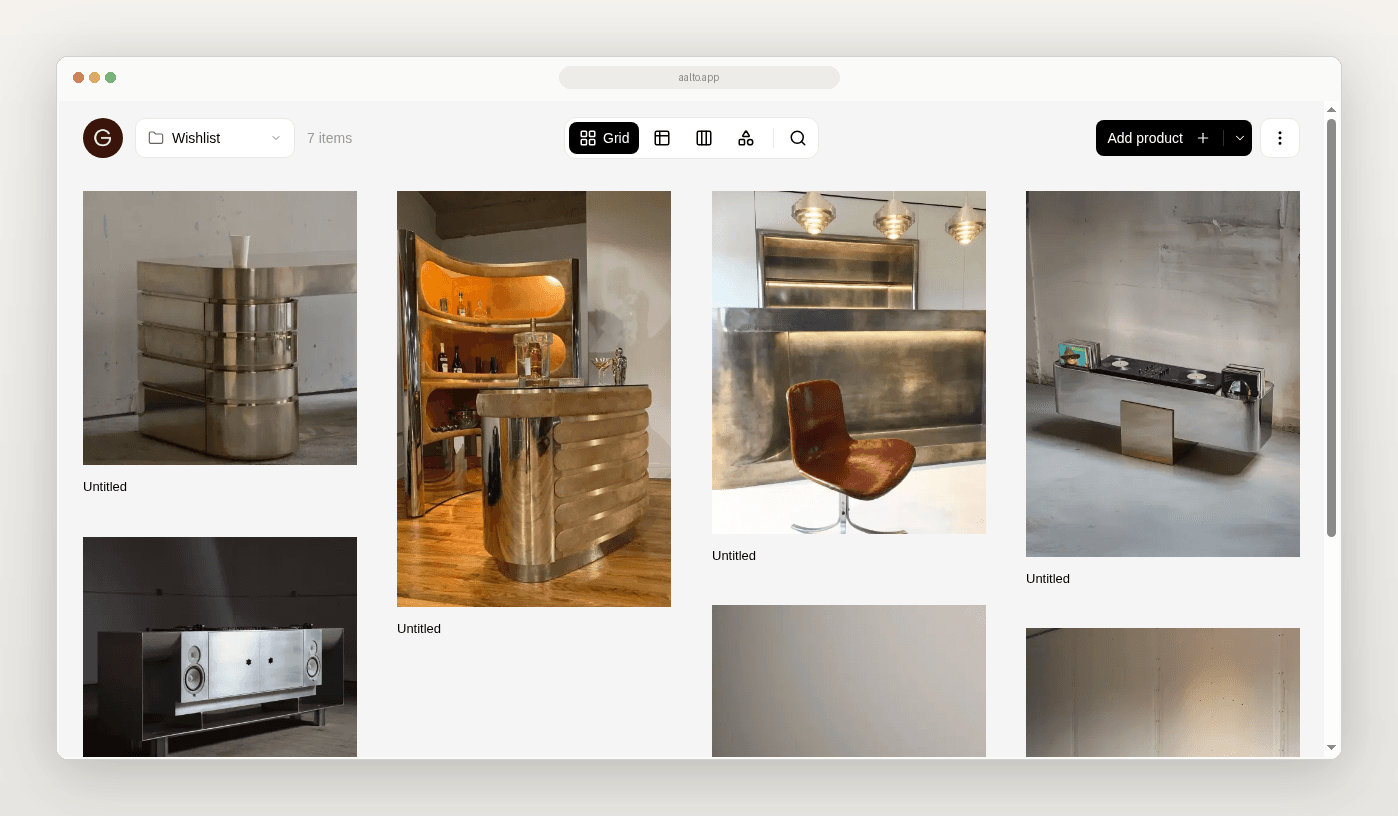
If your FF&E schedule lives in a workbook, you may not need a new operating system. You may need a calmer way to collect products, keep room context and hand a schedule to the next person.
This guide is for you if you use Excel or Google Sheets alongside browser tabs, screenshots and Drive folders.
Make your product organisation less fragile.
What the spreadsheet workflow looks like today
You find a pendant on a supplier website. You copy the name into a sheet. You paste a link into another column. You save a screenshot in a project folder. Later, someone adds a price from a quote or product page.
The workbook may have tabs for each room. It may have one master tab with filters. Both can work for a while.
The trouble starts when the project grows. A link is pasted without its product context. A screenshot is saved without a source URL. A product moves rooms but stays on the old tab. A price is overwritten and nobody knows when it was captured.
Excel is not the problem by itself. It becomes difficult when the grid is also a scrapbook, a product library, a review board and a handoff document.
What a good FF&E workflow needs
For each product, capture these basics.
- Project
- Room or area
- Product name
- Supplier or maker
- Price captured at save
- Product specifications available at save
- Source URL
- Selection or review status
- Notes that affect the decision
Specs are captured when you save. Aalto records the price when you save. While you're working on a project, it rechecks shortlisted and ordered pieces each week and records any change, and you can refresh any product yourself before you quote.
Where the old workflow breaks
Context gets separated from the product. A row called chair 02 is not enough.
Room decisions become hard to review. A long master list does not show which products belong together.
Handoffs depend on memory. Missing source links create another round of questions.
Prices need a clear capture point. Show what was known at save time and when it last changed.
A practical migration path
- Choose one live project. Start with one room that has enough variety.
- Agree on the minimum fields.
- Triage keep, revisit and archive.
- Save new products with price, specs and source URL at that point.
- Build a room view.
- Run a short QA pass.
- Export a schedule when needed.
- Stop and decide whether to expand beyond the test room.
How Aalto fits
Aalto is a visual workspace. Save products from most supplier sites. Capture price, specs and source URL at save. Store products across many projects or for future ones. Add a product once. Reuse it easily across jobs. Organise by room and project. Share boards and export schedules. It is lighter than a full practice OS such as Programa.
Try it on one live project
Pick one active room. Save the next five products into Aalto with source and price at save.
Frequently asked questions
Does Aalto update prices automatically?
For pieces you've shortlisted or ordered on an active project, Aalto rechecks the price each week and records any change. Some supplier sites can't be read automatically, so refresh a product before you quote if the price matters.
Can Aalto hold products across many projects?
Yes. Aalto is a visual workspace. You can store products across many projects or for future ones. Add a product once. Reuse it easily across jobs.
Do I need to replace every spreadsheet?
No. Keep Excel where it still works. Move the fragile product-research layer first.
Is Aalto a Programa replacement?
No. Aalto is a lighter product-sourcing and organisation layer.