Education
Organise products by room and project
Organise interior products by room and project in a visual workspace. Add once, reuse across jobs, and keep selection reviews quieter than a long spreadsheet list.
The Aalto teamUpdated
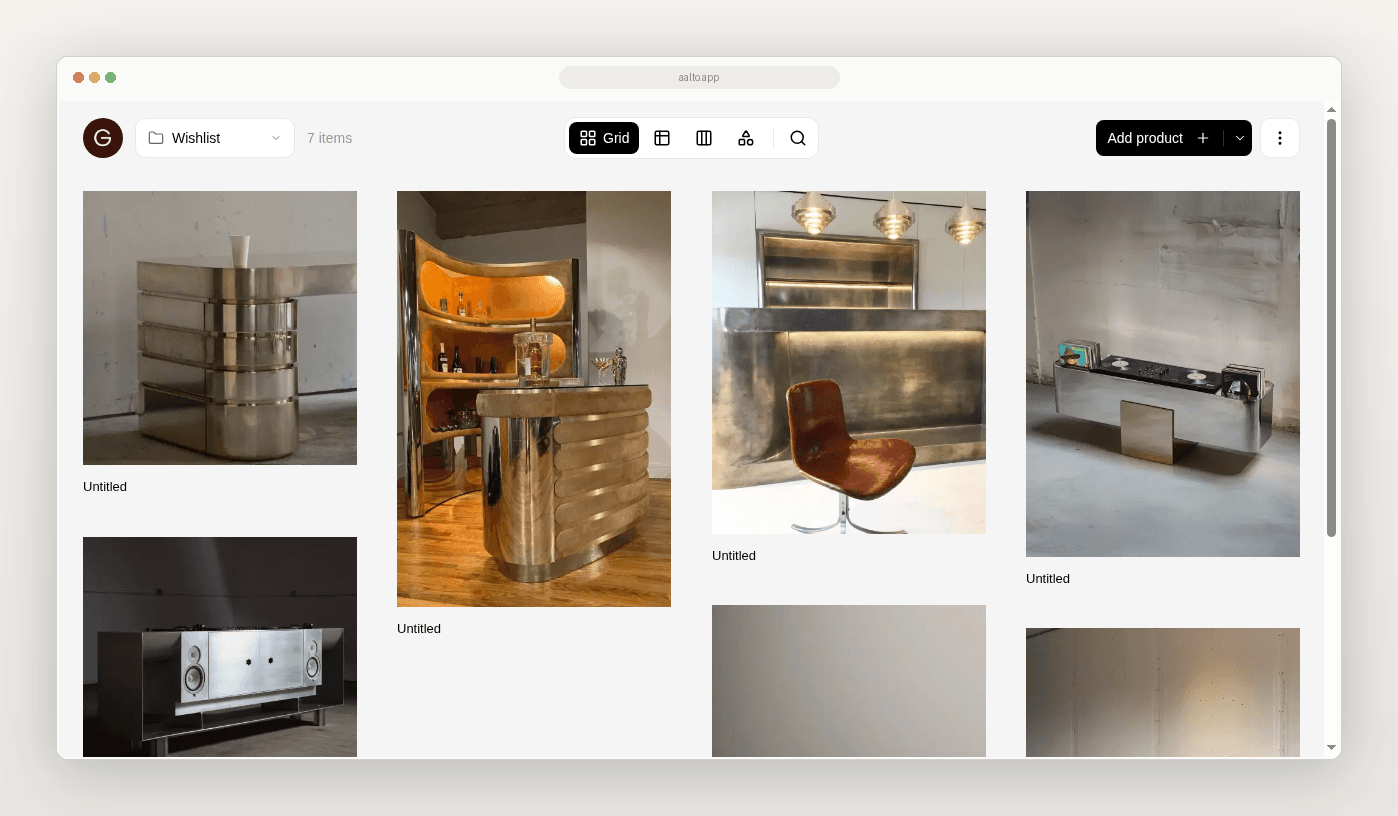
Your product research gets messy when everything sits in one long list. The living room sofa sits next to a bathroom tap. Nobody can see the room as a set.
This guide covers one job. Organise products by project and room so your reviews stay clear.
What the spreadsheet workflow looks like today
You may keep one master workbook. Tabs per room, or one tab with a room column and filters. Both can work on a small job.
Then the project adds another dwelling, another revision or another person. Products move rooms in conversation but not in the sheet. Filters hide mistakes. A screenshot folder still holds the real shortlist.
What a good room and project structure needs
- One project container
- Rooms or areas inside that project
- Products that belong to a room, or wait in the Library until you decide
- Status on each product
- Source URL and price at save on each product
- A way to view one room without noise from the others
Aalto records the price when you save. While you're working on a project, it rechecks shortlisted and ordered pieces each week and records any change, and you can refresh any product yourself before you quote.
Where the old workflow breaks
Room context is a filter, not a home. Products drift.
Reviews need assembly. Someone rebuilds a board from screenshots before each client call.
Handoffs miss the set. An export without room grouping creates rework.
A practical migration path
- Create one collection for a live project
- Add a section for each room you use in reviews
- Leave undecided products in the Library, which holds every product you save
- Move or save products into the right room as you decide
- Keep status visible (saved, shortlisted, ordered, delivered, installed)
- Review one room at a time
- Export only when a schedule is required
The field map
| Field | Why it matters | Sheet habit | In Aalto |
|---|---|---|---|
| Project | Keeps jobs apart | Workbook name or tab group | Project collection |
| Room / area | Makes reviews possible | Column or tab | Section inside the project collection |
| Product + supplier | Identity | Text cells | Saved product record |
| Source URL | Re-find and verify | Often missing | Attached at save |
| Price at save | Honest point-in-time cost | Often overwritten | Captured at save. Refresh when needed |
| Status | Stops zombie options | Ad hoc notes | Built-in status |
Project. Terrace house refresh.
Rooms. Entry. Living. Kitchen. Main bedroom.
You save new lighting into Living as you research. Kitchen taps stay in Kitchen. A pendant that might suit Entry or Living stays in the Library until the next internal review. The principal opens Living before the client call. Nobody scrolls a 120-row master list.
How Aalto fits
Aalto is a visual workspace. Save products with their source URL, specs and price at save. Store products across many projects or for future ones. Add a product once. Reuse it easily across jobs. Organise them in a project collection, with a section for each room. Share the project board. Export a schedule when someone still needs a sheet.
This is a product organisation layer. It is lighter than Programa or Houzz Pro. The rivals are Excel or Sheets, Drive and screenshots.
Quality check before handoff
- [ ] Every active product has a project
- [ ] Every shortlisted product sits in a room section
- [ ] Source URL is present
- [ ] Prices were checked recently, or you've refreshed them
- [ ] Rejected products are removed from the review set
When to keep using Excel
Keep Excel for cost plans with heavy formulas. Keep consultant templates that demand fixed columns. Use Aalto, or a stricter room structure, when the sheet is failing as a review surface.
Try it on one project
Set up one live project with its real rooms. Place the next ten saves into the right room.
Frequently asked questions
Does Aalto keep prices current by itself?
For pieces you've shortlisted or ordered on an active project, Aalto rechecks the price each week and records any change. Some supplier sites can't be read automatically, so refresh a product before you quote if the price matters.
Do I need a room for every product on day one?
No. Leave it in the Library. Move products into a room section when the decision is real.
Is this the same as a mood board tool?
It overlaps a little. The focus is product records with source and room context, not inspiration discovery.