Education
Save products from Pinterest or Cosmos
Keep Pinterest or Cosmos for inspiration. Save the product into Aalto with name, price at save, specs, and source together so the next review needs fewer follow-ups.
The Aalto teamUpdated
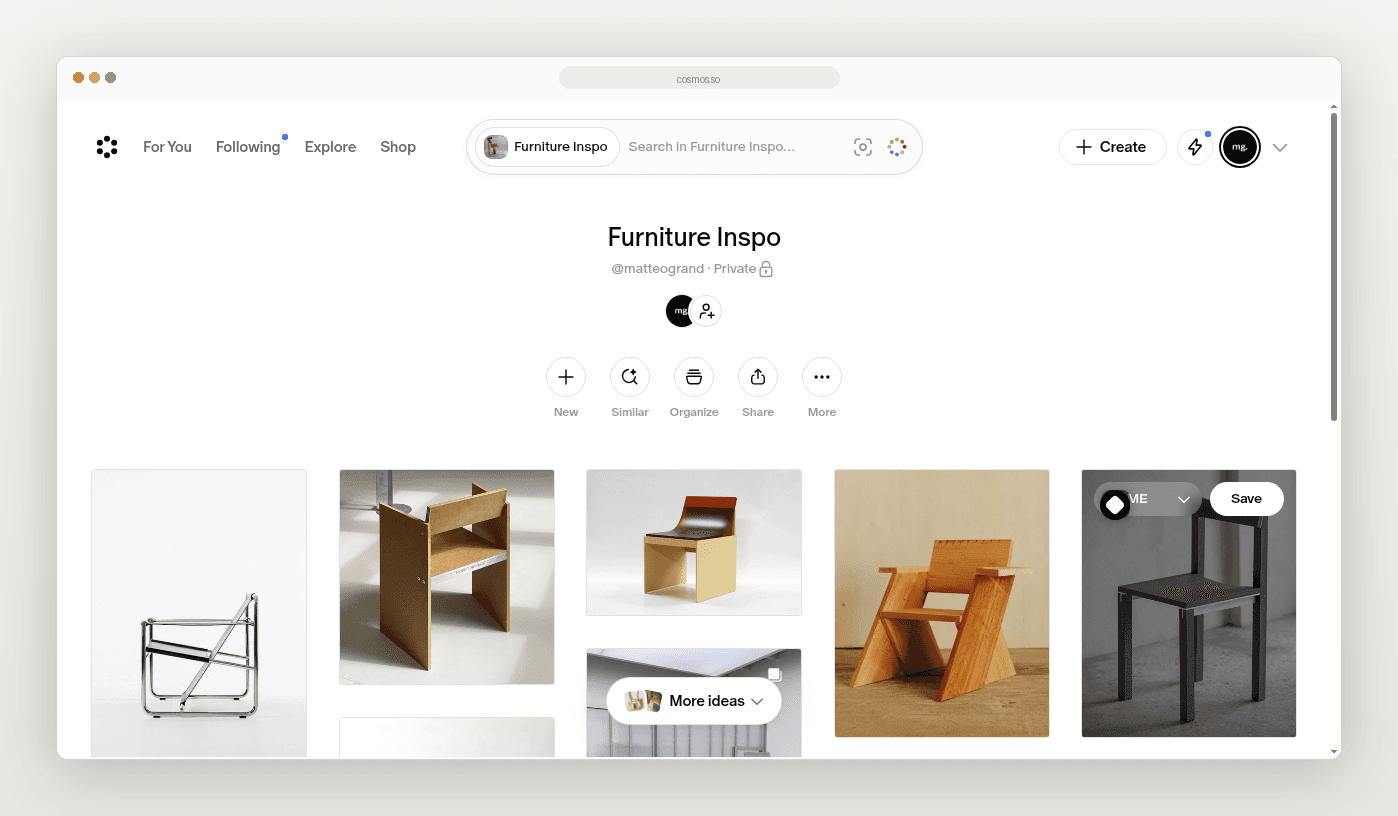
You save a chair on Pinterest. You pin a sofa on Cosmos. The image is easy to find later. The product behind it is not.
The pin has a picture. It may have a loose link. The price lives on a supplier page you closed. The finish you liked is in a comment or in your head.
This guide is a how-to. Keep Pinterest or Cosmos for inspiration. Save the product into Aalto. Keep the name, the price at save, the specs, and the source together.
This is not a replacement for organising boards on Pinterest. Those tools stay where mood and reference live. Aalto holds the product record you reuse.
Why inspiration and product records drift apart
Inspiration tools are built for pictures. You collect rooms, finishes, and objects you like. That is useful.
The trouble starts when the pin has to become a spec. Someone asks which chair. Someone asks the maker. Someone asks what it cost when you found it. You open five tabs to rebuild a fact you already had.
What to capture when you save
- Product name
- Supplier or maker
- Price visible at the time
- Specs visible at the time
- Source URL from the supplier page, not only the pin
- Project
- Room or area
- A short note about why it made the shortlist
Aalto records the price when you save. While you're working on a project, it rechecks shortlisted and ordered pieces each week and records any change, and you can refresh any product yourself before you quote.
A simple save workflow
- Start from a pin or a Cosmos save you actually want to specify.
- Open the supplier page the inspiration points to.
- Save into Aalto while that page is open.
- Add project and room context.
- Add one useful note.
- Keep the pin where it is. Use Aalto when you need the product again.
On Pinterest and Cosmos, the Aalto Chrome extension adds a save icon when you hover over an image and an Import all button for the whole page. Imported images land as inspiration, and you can mark one as a product.
Five considered saves beat a board of fifty images with no source.
Visual workspace and reuse
Aalto is a visual workspace. Store products across many projects or for future ones. Add a product once. Reuse it easily across jobs.
Try it
Pick five pins or Cosmos saves from a live project. Save each product into Aalto with price, specs, and source at save.
Frequently asked questions
Does Aalto keep prices live?
For pieces you've shortlisted or ordered on an active project, Aalto rechecks the price each week and records any change. Some supplier sites can't be read automatically, so refresh a product before you quote if the price matters.
Should I stop using Pinterest or Cosmos?
No. Keep them for inspiration. Move the product record into Aalto when you want to specify, reuse or hand off.
Is this the same as organising Pinterest boards in Aalto?
No. That is a different page. This one is only the save how-to.