Education
Interior design product library
Build an interior design product library you can reuse. Save products with source and price at save, organise by project, and stop rebuilding lists from screenshots.
The Aalto teamUpdated
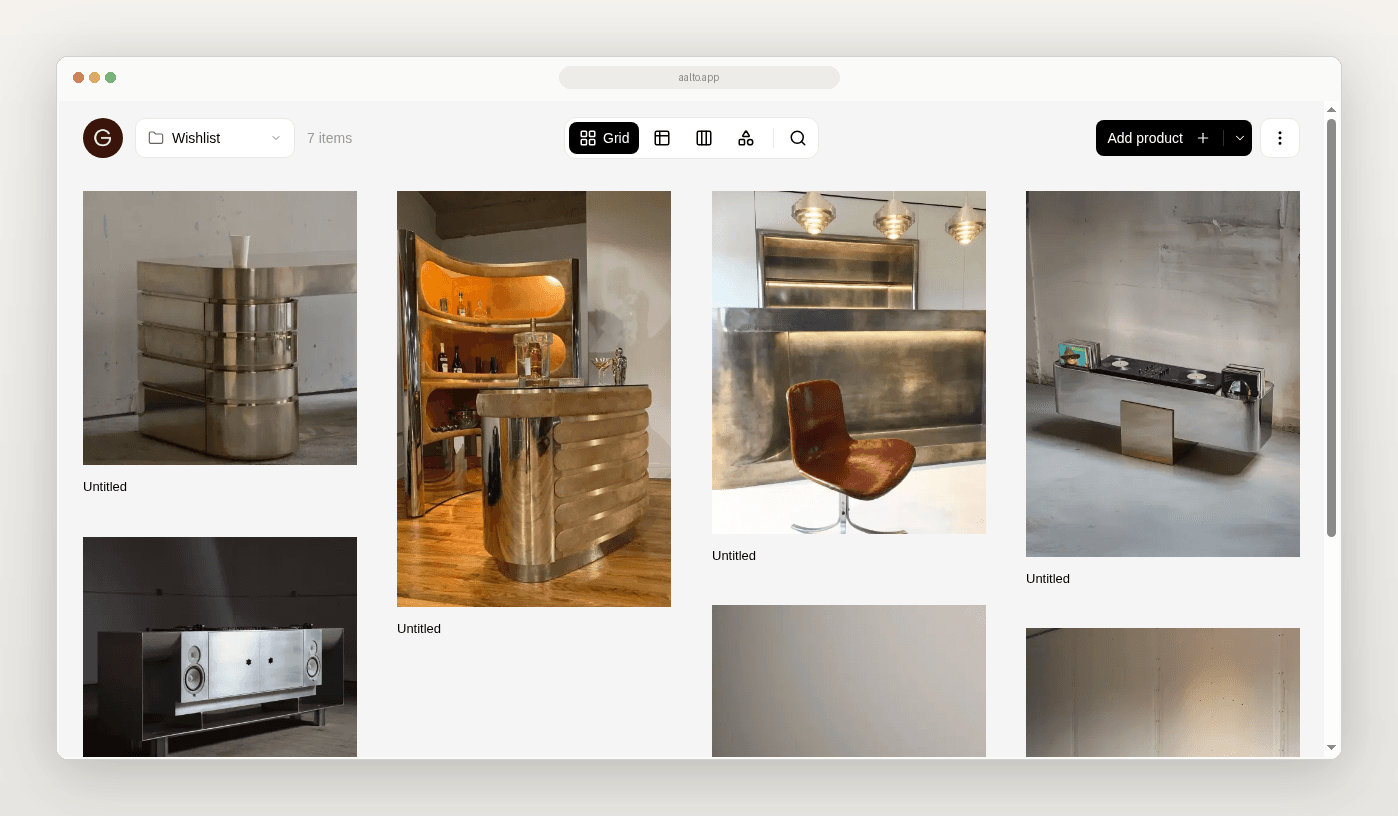
Stop rebuilding your product list from screenshots.
If your product library lives in spreadsheets, Drive folders, and screenshots, Aalto gives you one visual workspace to keep what you specify.
Save products from most supplier sites. Price, specs, and the source URL are captured when you save. Store products across many projects or for future ones. Add a product once. Reuse it easily across jobs. Organise by room or project. Share boards. Export a schedule when you need one.
This page is for you if you want a reusable product catalogue, not a full studio OS.
What a product library should hold
For each product, keep the basics.
- Product name
- Supplier or maker
- Price at save
- Specs available at save
- Source URL
- Room or project
- Notes that affect the decision
Aalto records the price when you save. While you're working on a project, it rechecks shortlisted and ordered pieces each week and records any change, and you can refresh any product yourself before you quote.
How Aalto fits
Aalto is a visual workspace and product memory layer for interior design studios.
- Saves products from most supplier sites
- Captures price, specs, and source URL at save time
- Lets you store products across many projects or for future ones and reuse them easily
- Organises by room and project
- Lets you share boards
- Exports a schedule
- Lets you refresh a product's price any time
It is lighter than Programa or Houzz Pro. It does not try to be a full studio OS. The rivals are Excel or Sheets, Drive, and screenshots.
Pricing
Free to start. Pro is US$19 per member per month.
What this page is not
Aalto is not procurement software. It does not run purchase orders. It is not a formal client portal with approvals.
Try it on one live project
Pick one active project. Save the next products into Aalto with price, specs, and source URL at save.
Frequently asked questions
Does Aalto update prices automatically?
For pieces you've shortlisted or ordered on an active project, Aalto rechecks the price each week and records any change. Some supplier sites can't be read automatically, so refresh a product before you quote if the price matters.
Is this a Programa alternative?
Only in a narrow sense. Aalto is lighter. Think product memory, not a full practice OS.
Can I still use spreadsheets?
Yes. Keep sheets where they help. Move the fragile product-research layer first.